EU Stock Wireless Carplay Android Auto Car Radio Multimedia Player For Mercedes Benz E Class W212 4-door Sedan E200 E230 E260 E300 2009-2015 4G Wifi GPS Audio DSP Dual BT Intelligent Car System Qualcomm668/680 10.25‘’ 12.


EU Stock Wireless Carplay Android Auto Car Radio Multimedia Player For Mercedes Benz E Class W212 4-door Sedan E200 E230 E260 E300 2009-2015 4G Wifi GPS Audio DSP Dual BT Intelligent Car System Qualcomm668/680 10.25‘’ 12.
SPECIFICATIONS
Brand Name: MEKEDE
Built-in CD player: no
Built-in DVD Player: no
Built-in Screen: Yes
Certification: CE,EAC,FCC,RoHS,weee
Digital Media Format: Mp3,MP4,WMA,JPEG
Din: Double Din
Display Size: 10.25,12.3‘’
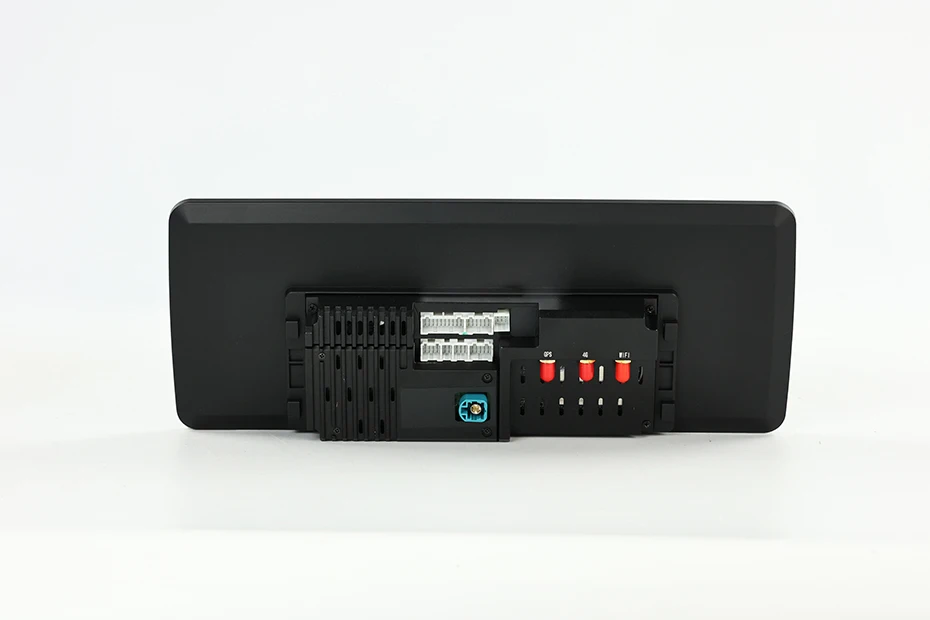
Interface: plug and play
Is touch screen: Yes
Max External Memory: 256G
OSD Language: Chinese (Simplified),Chinese (Traditional),Belarusian,German,Russian,French,Filipino,Finnish,Korean,Dutch,czech,Latvian,Lithuanian,Romanian,Malay,Portuguese,Japanese,Serbian,Slovak,Slovenian,THAI,Turkish,Ukrainian,Hebrew,Spain's Basque,Spanish,hungarian,Italian,hindi,English,Vietnamese
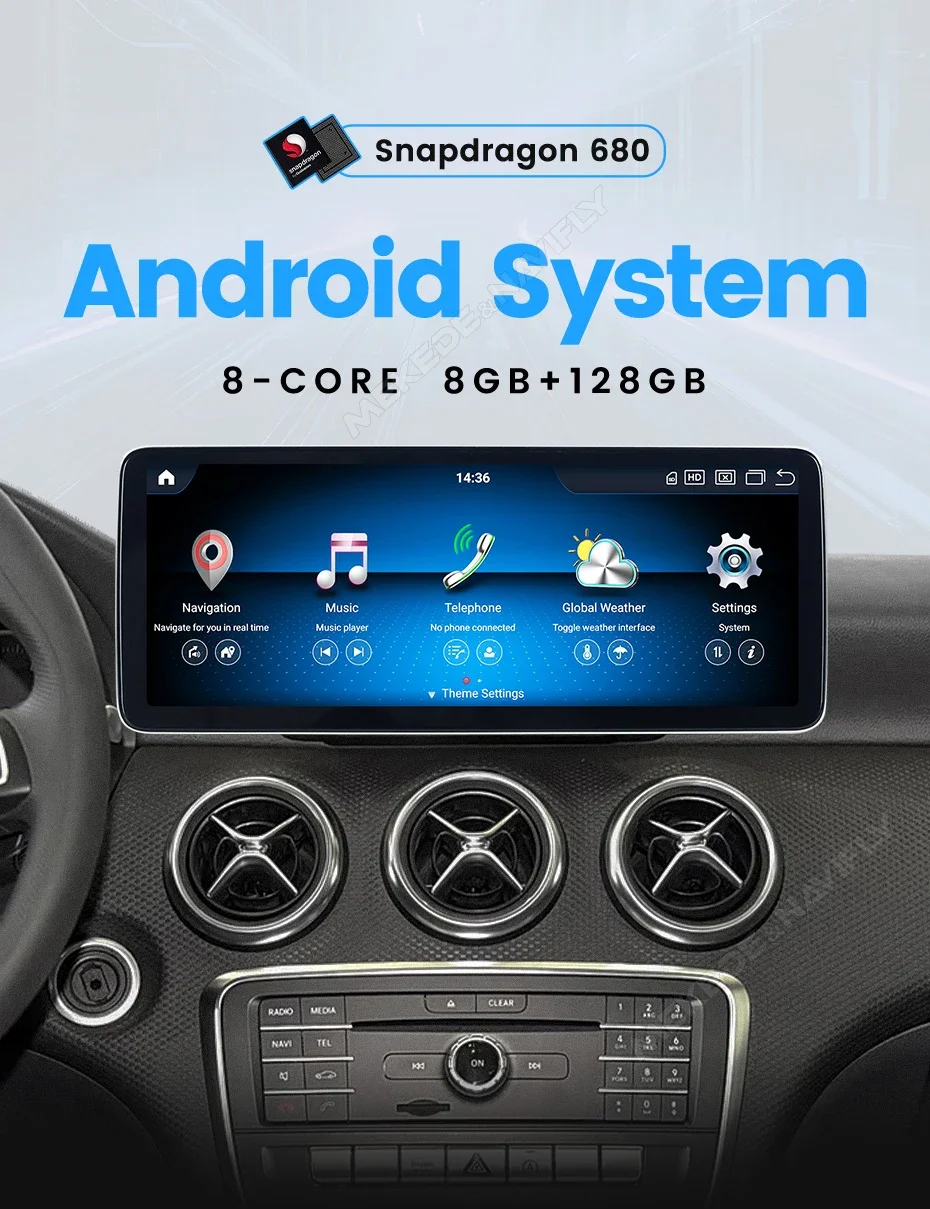
Operating System: Android
Origin: Mainland China
Out Power: 4*45W
Output Type: Colored
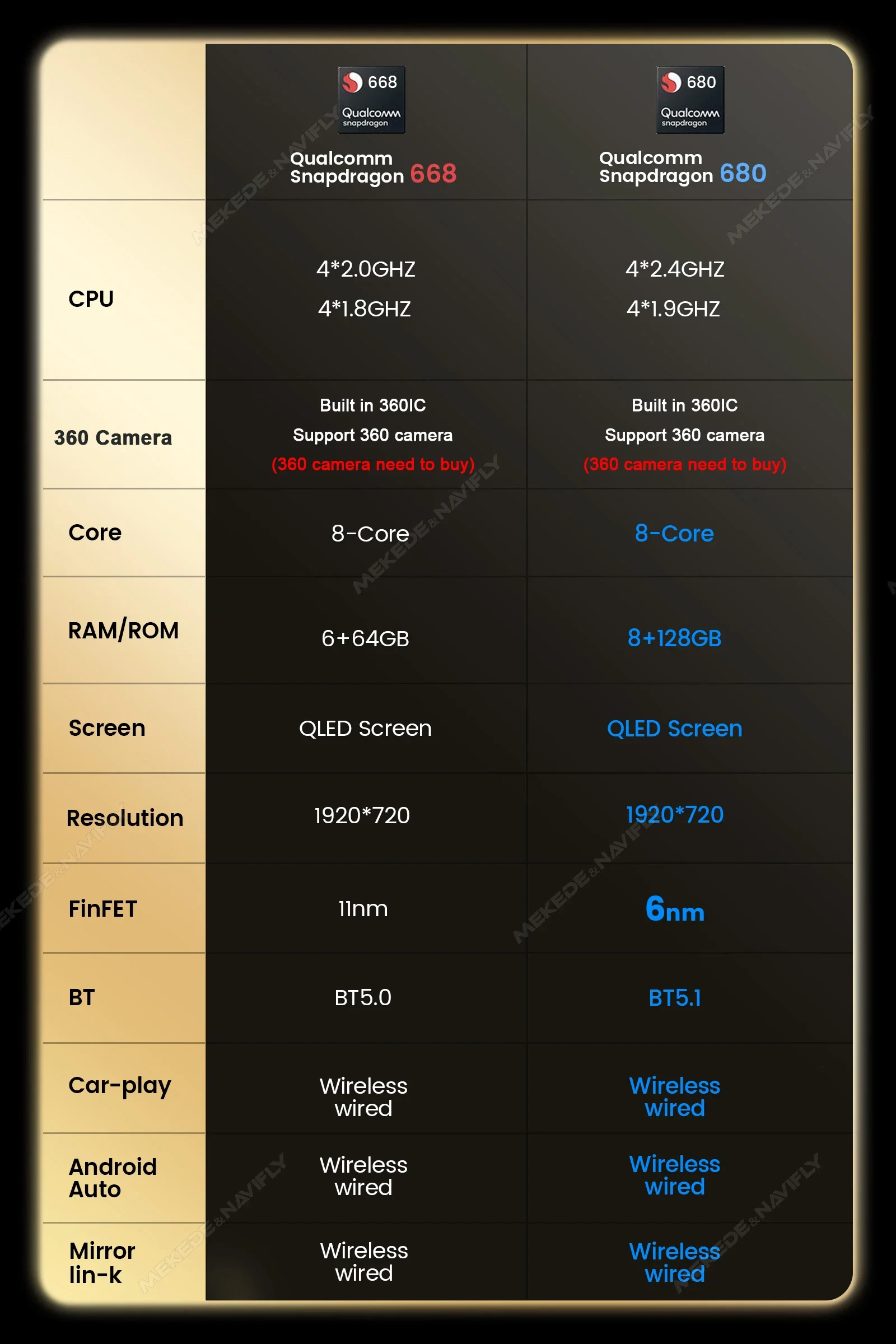
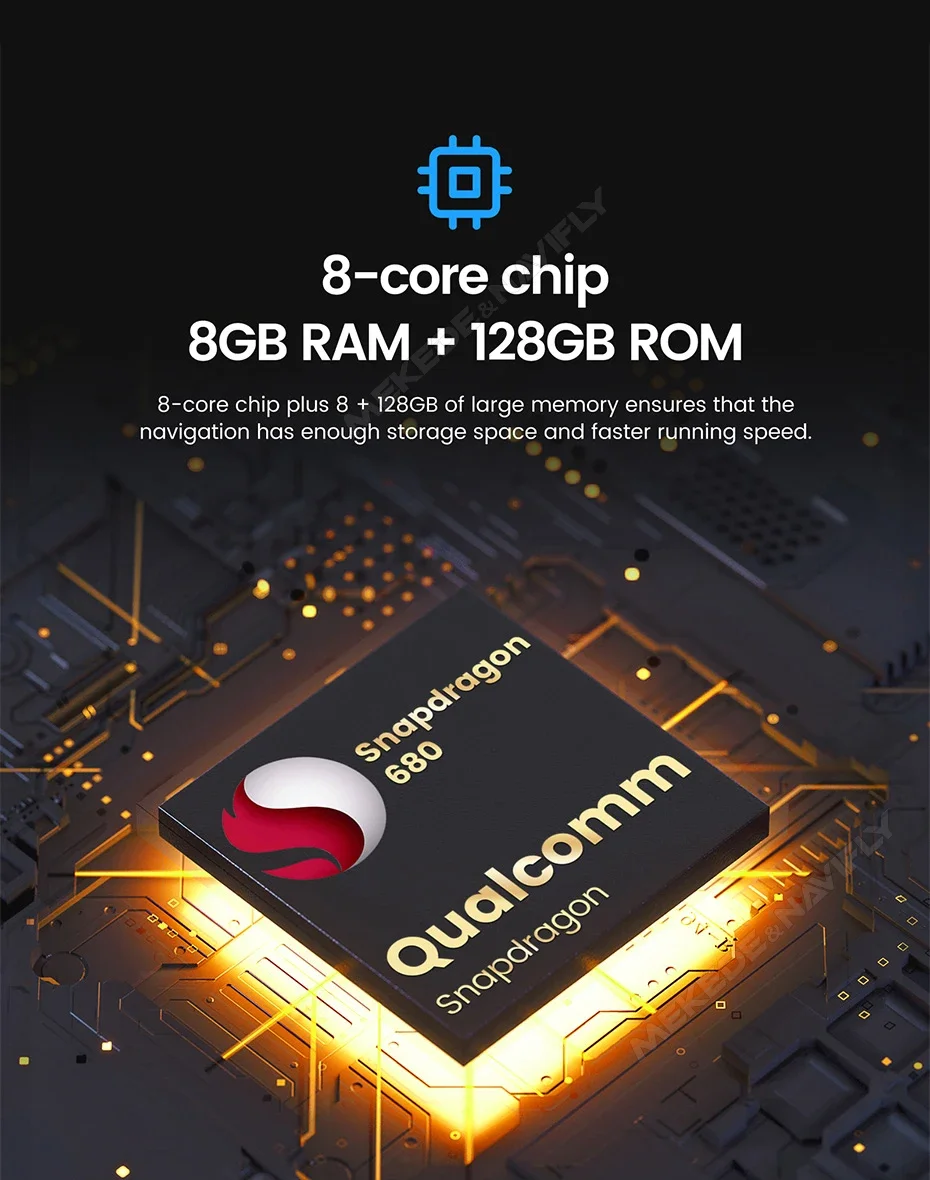
RAM: 6G/8G
ROM: 64G/128G
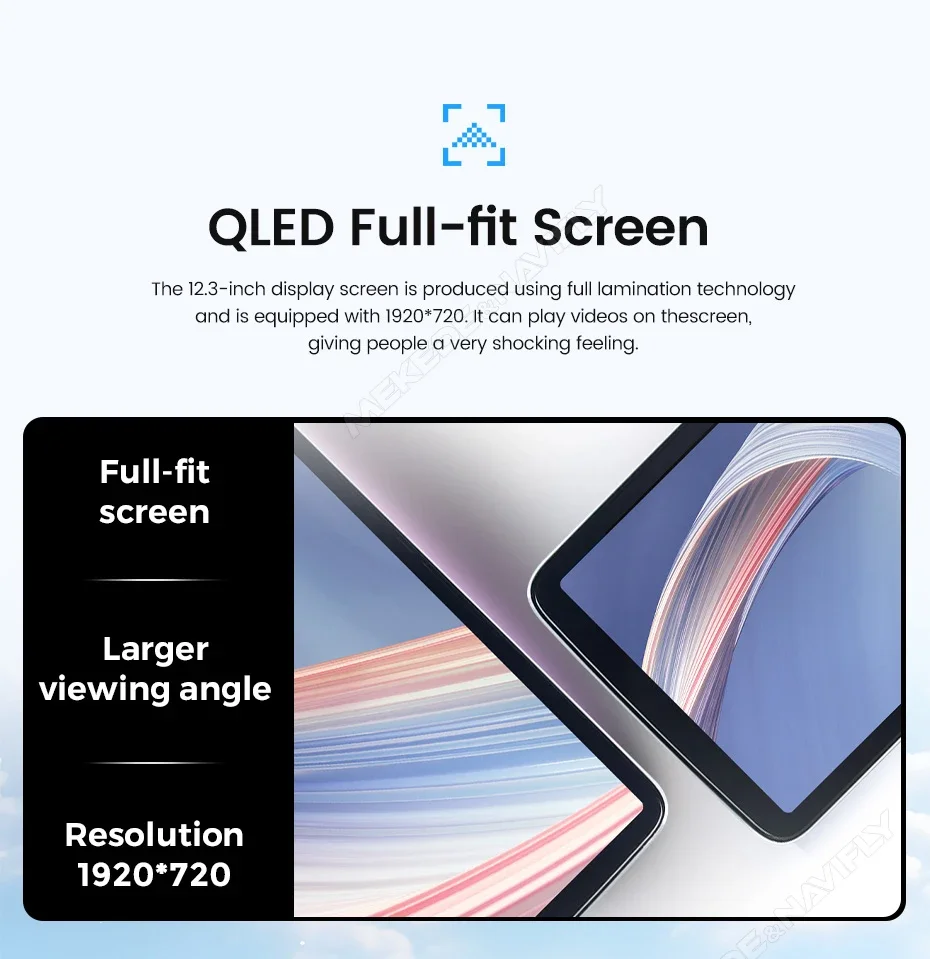
Resolution: 1920*720
Special Features: Built-In Speaker/Microphone,wifi function,Built-in GPS,Mobile Phone,MP3 players,CarPlay,Reversing Input,Split Screen,Support steering wheel control
Voltage: 12 V
Warranty: 2year
android auto: support
carplay: support
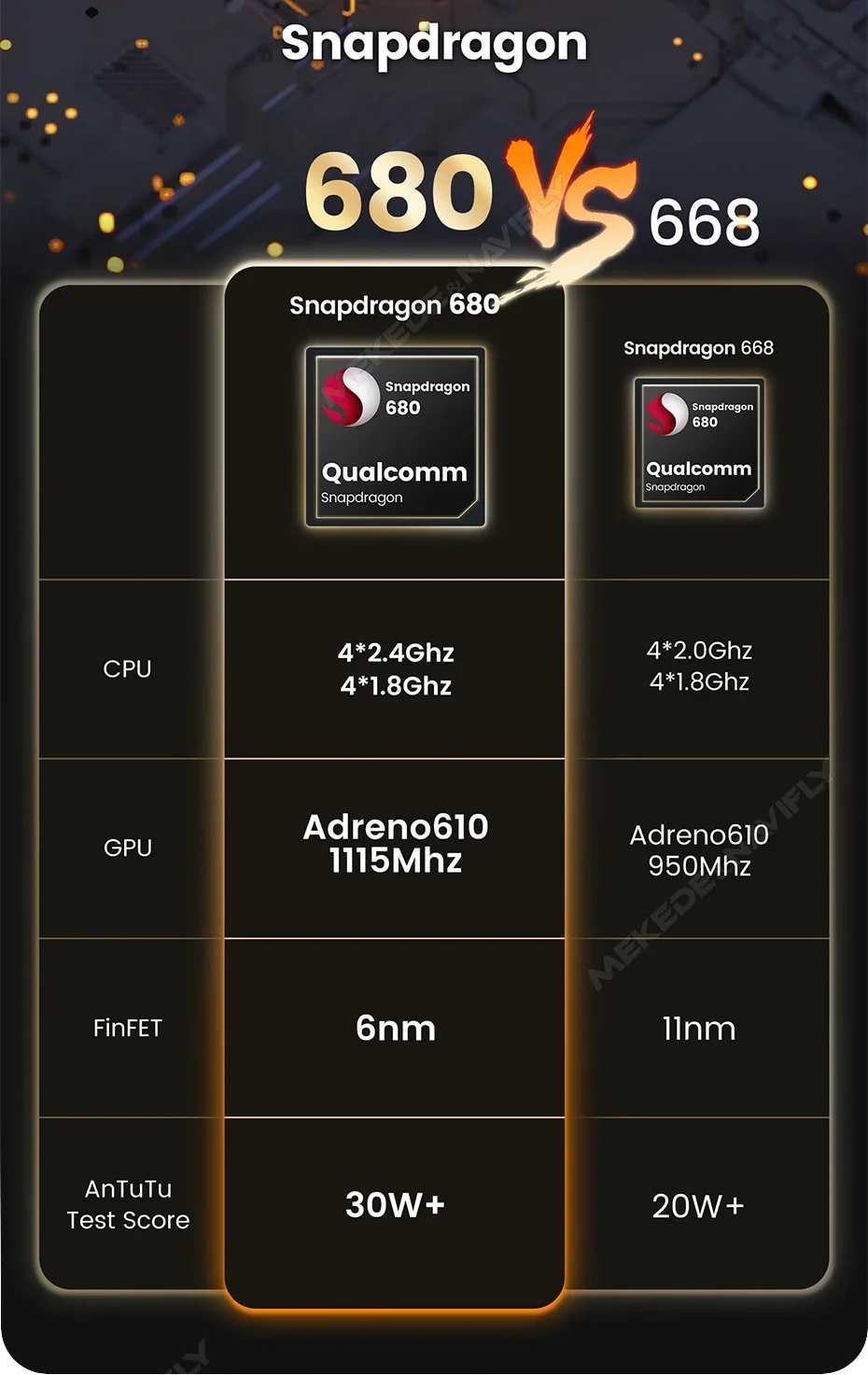
finfet: 668S is 11nm,680s is 6nm
sreen resolution: 1920*720 LQED
system: qualcomm snapdragon668 and 680
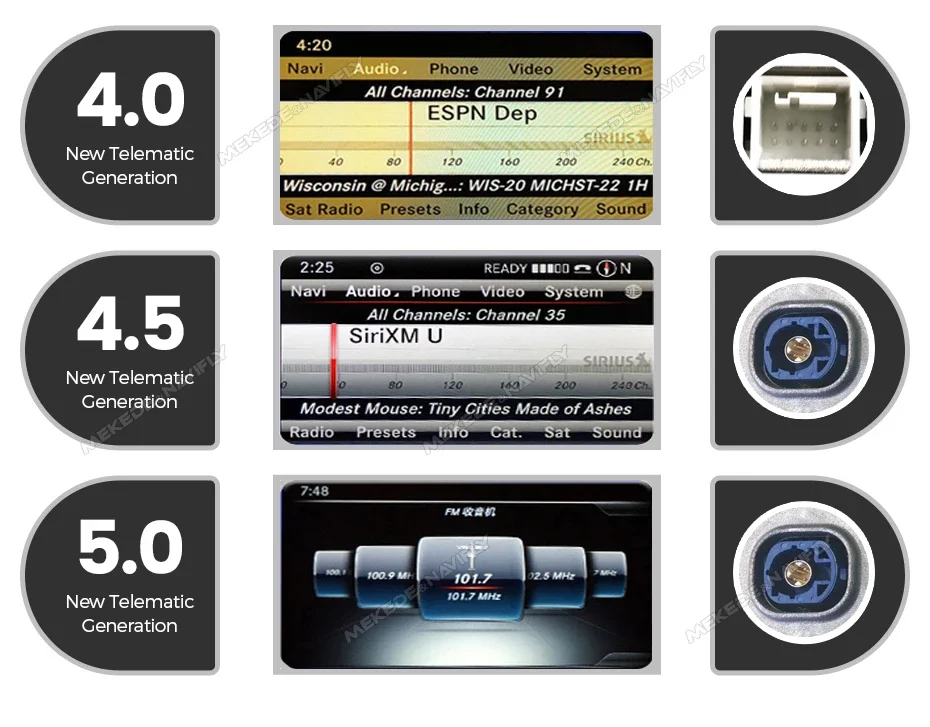
Please note: Before placing an order, please confirm that your car is equipped with NTG4.0 NTG4.5 or NTG5.0 system
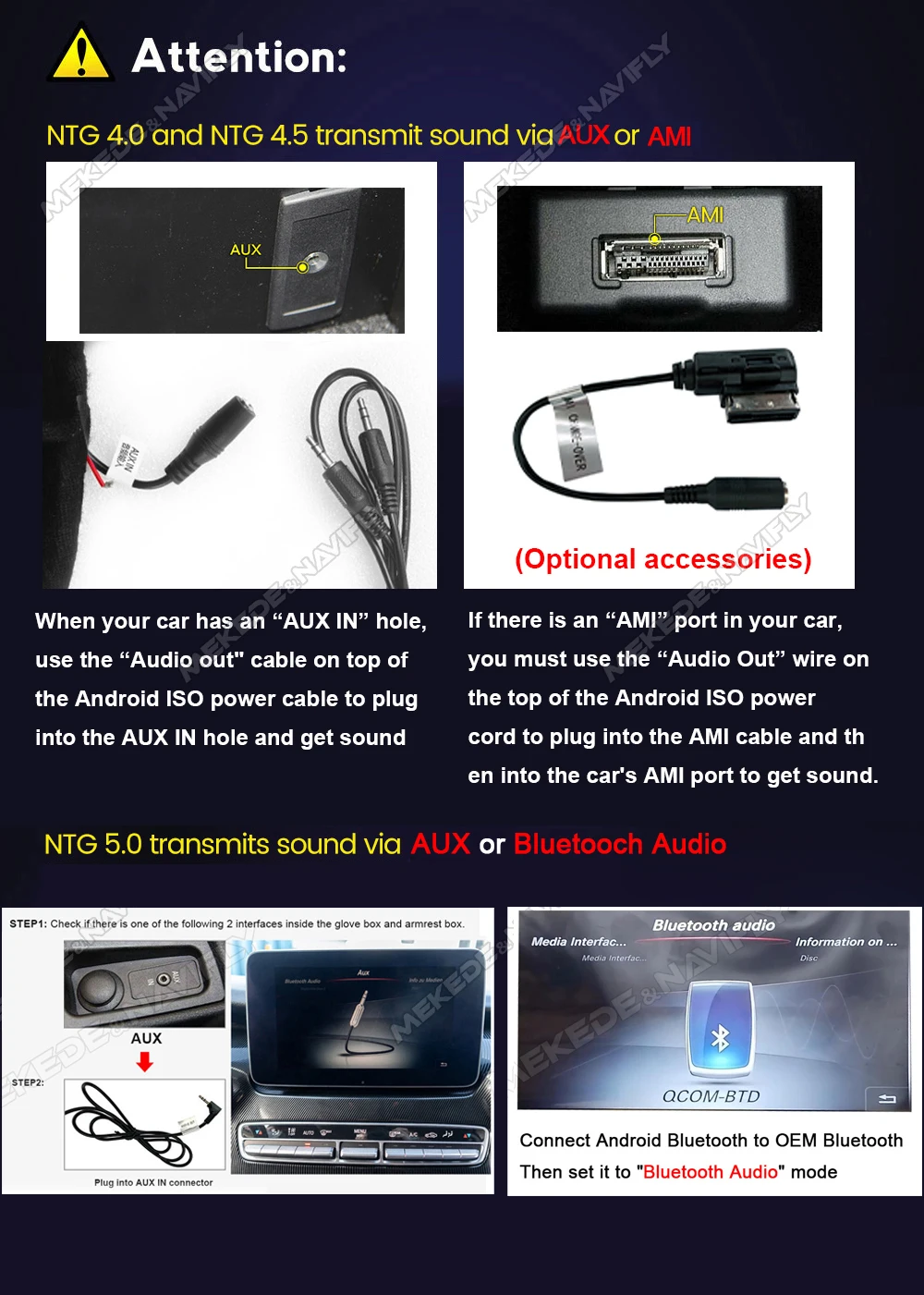
Attention:
NTG 4.0 and NTG 4.5 transmit sound via AUX Or AMI.
1.When your car has an “AUX IN” hole, use the “Audio out" cable on top of the Android lso power cable to plug into the AUX IN hole and get sound.
2.lf there is an AMI, port in your car ,you must use the “Audio Out” wire on the top of the Android lso power cord to plug into the AMl cable and then into the car's AMl port to get sound.
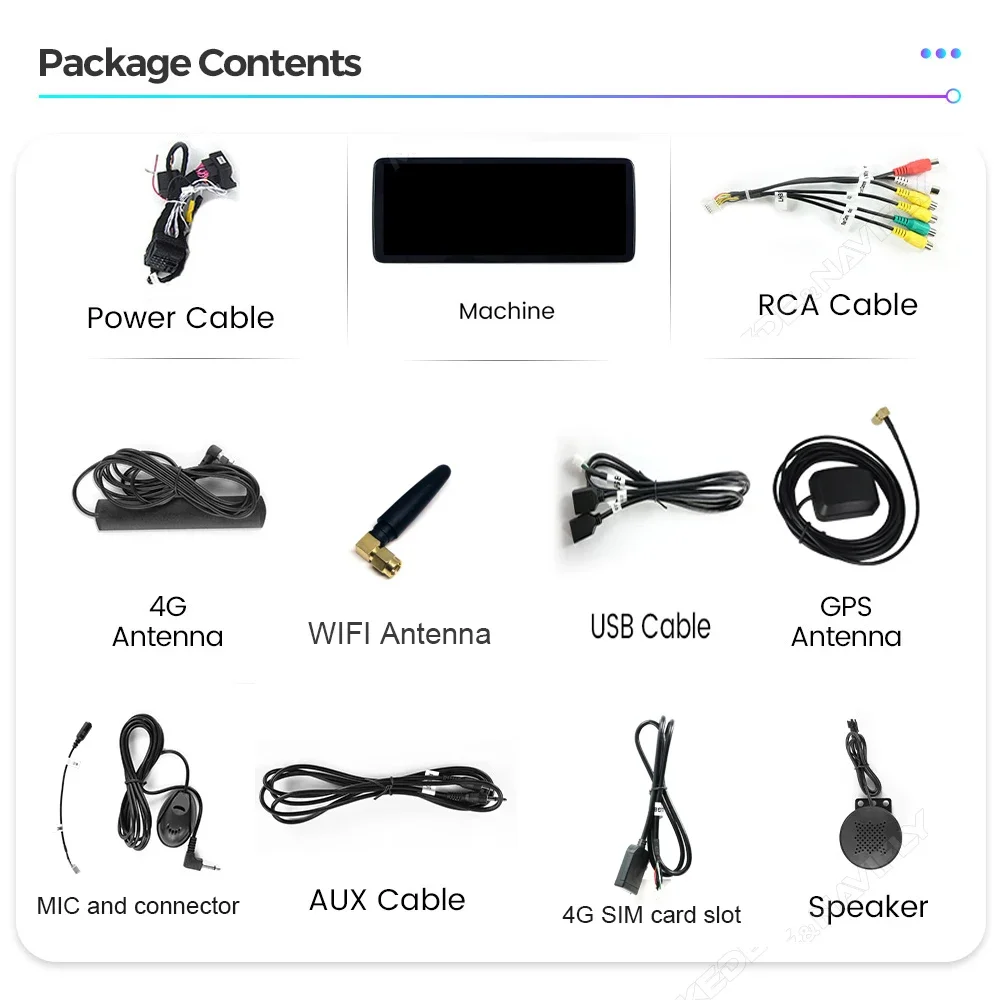
(AMI cable not including,need buy alone,we will send from china)
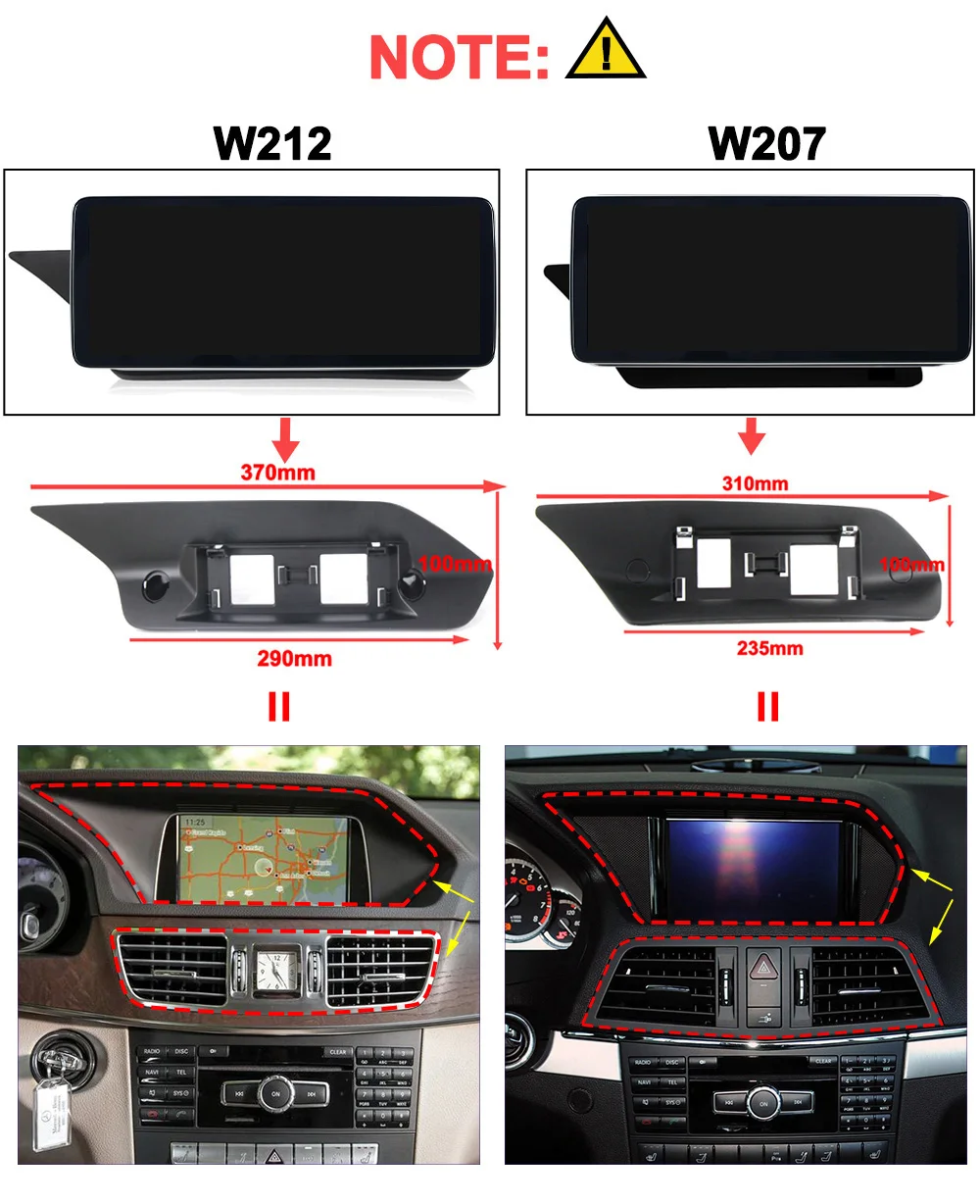

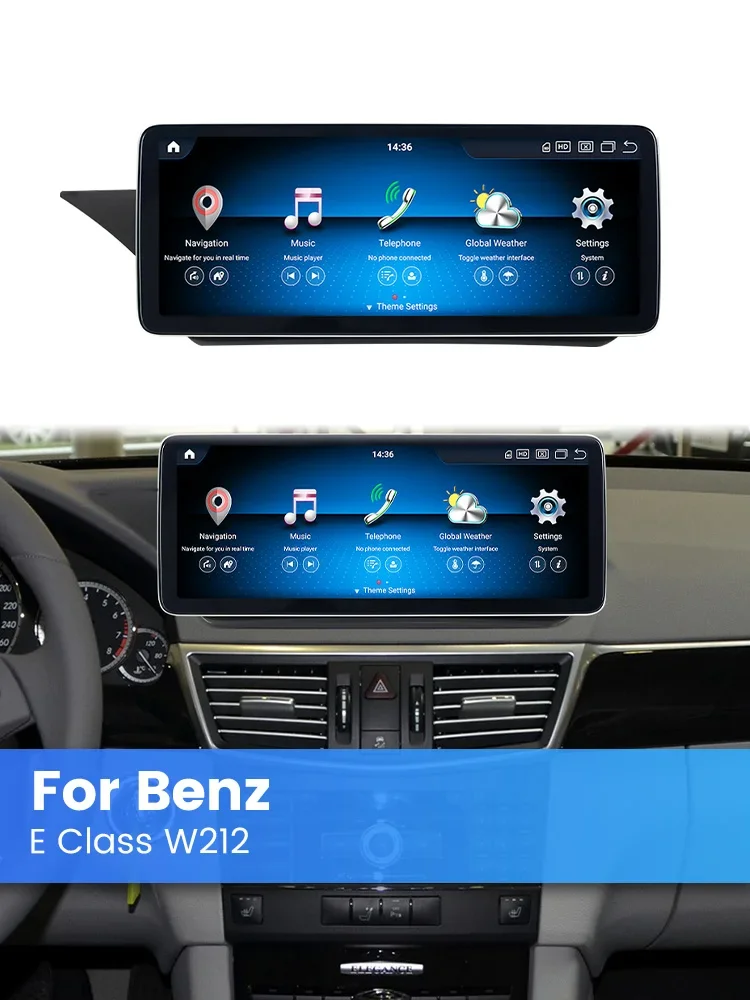
For E Class W212 4-door Sedan E200 E230 E260 E300 2009-2015
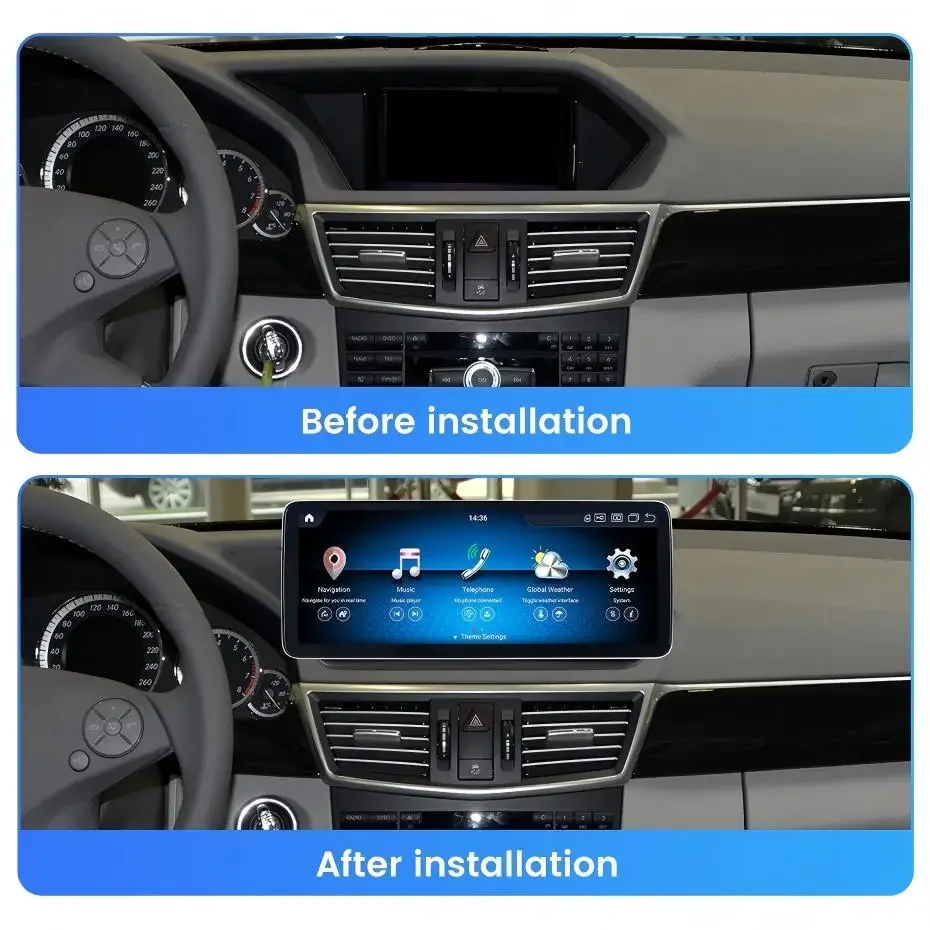
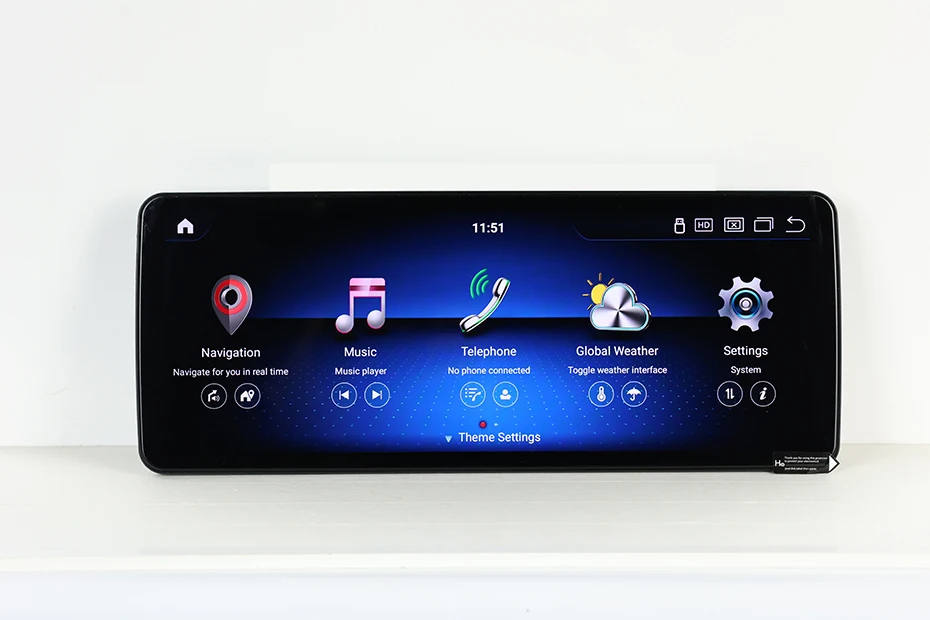
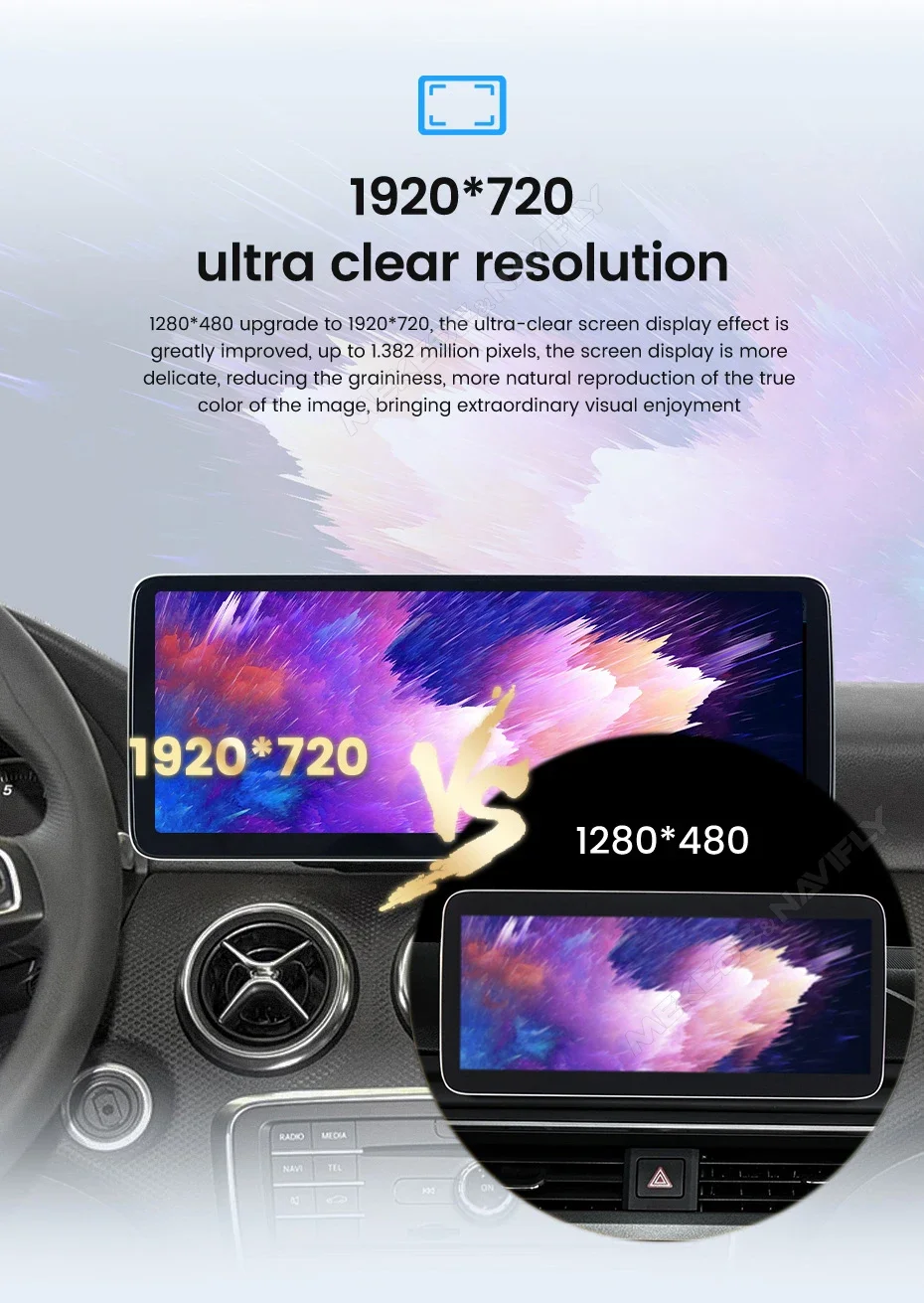
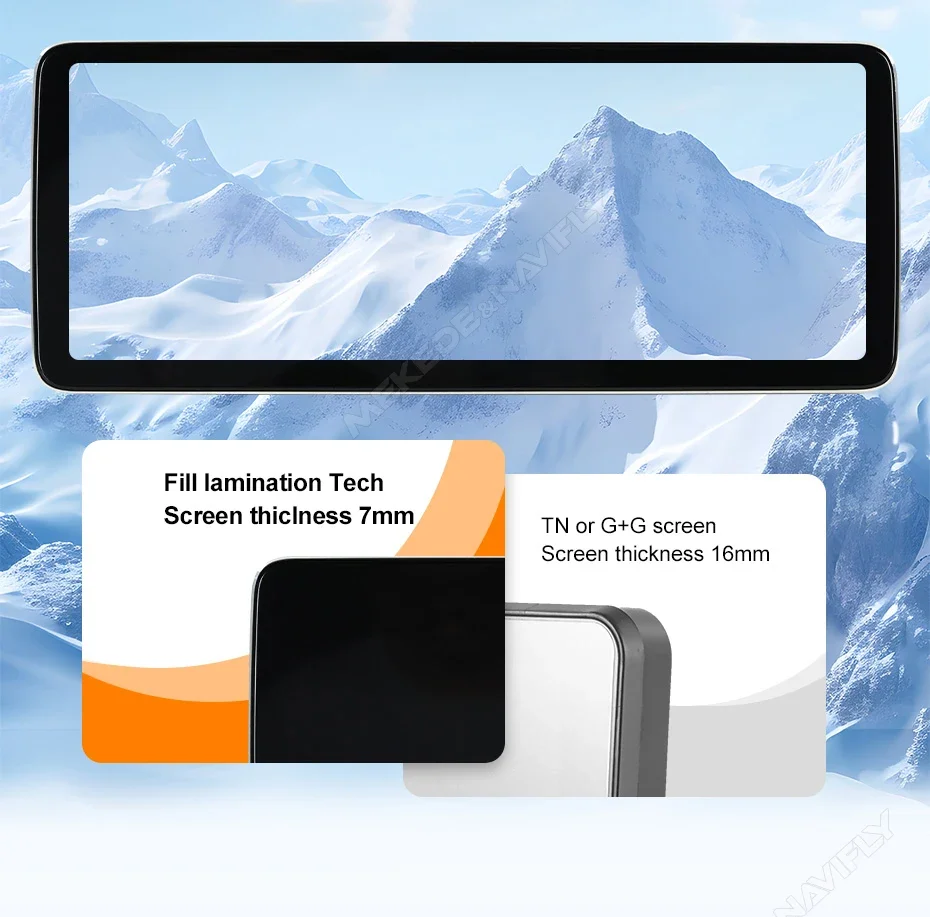
1920*720 QLED Screen
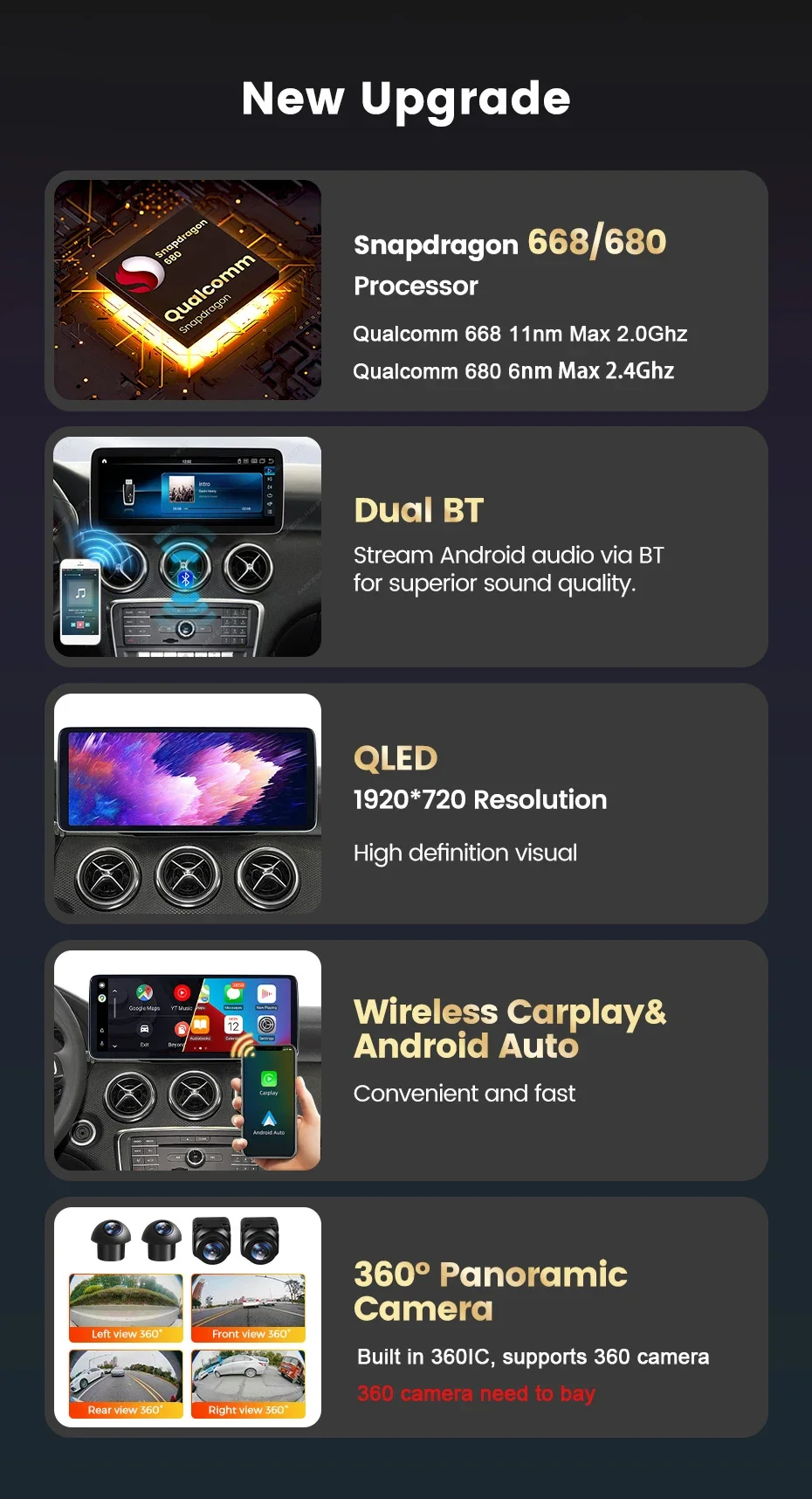
the Ultra-clear screen display effect is greatly improved,up to 1.382million pixels,the screen display is more delicae,reducing the graininess,more natural reproduction of the true color of the image.
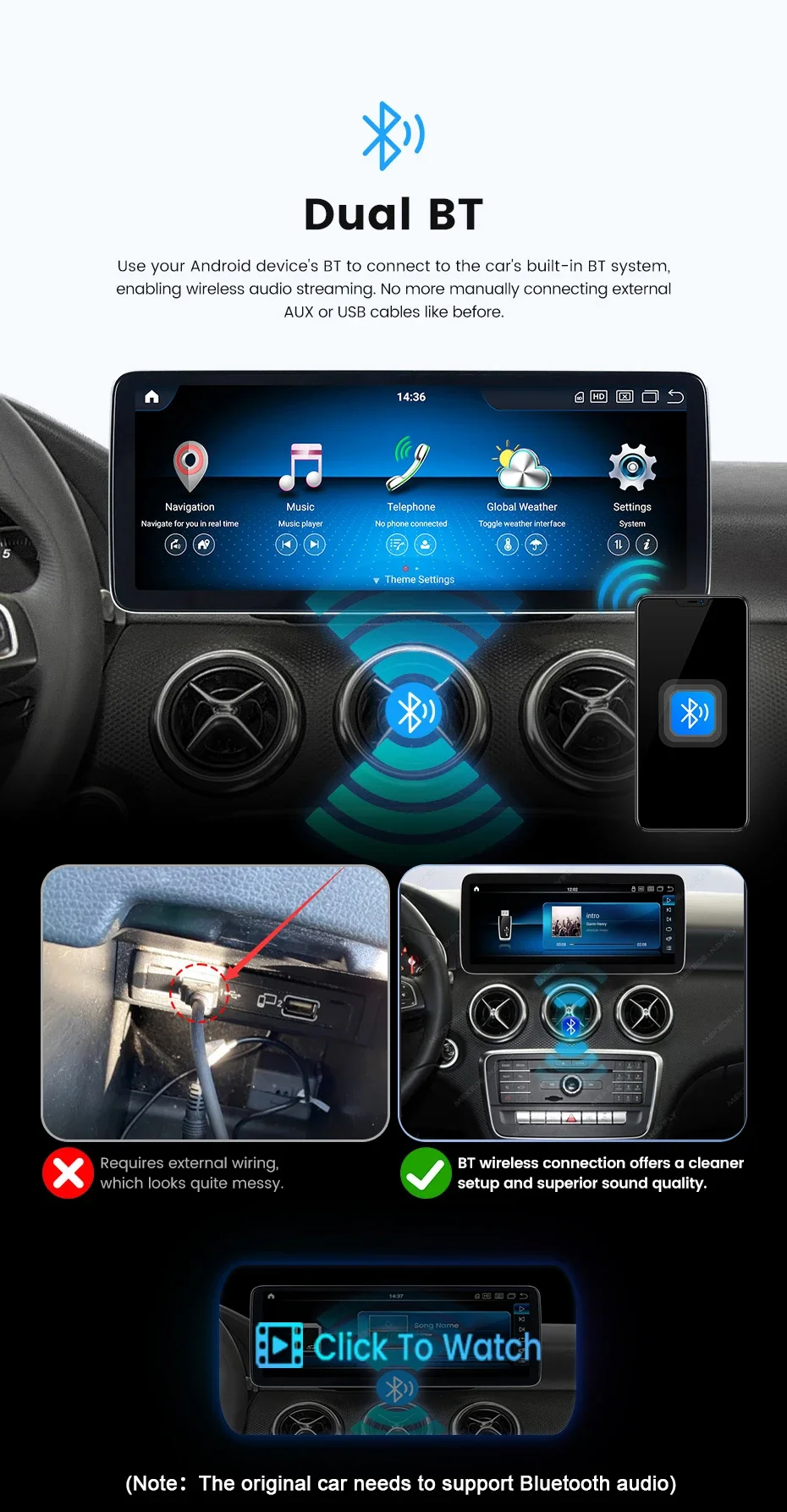
Built in Dual Bluetooth:
use your android device's BT to connect the car's built-in BT system,enabliing wireless audio streaming.no more manually connecting external AUX or USB cables like before.
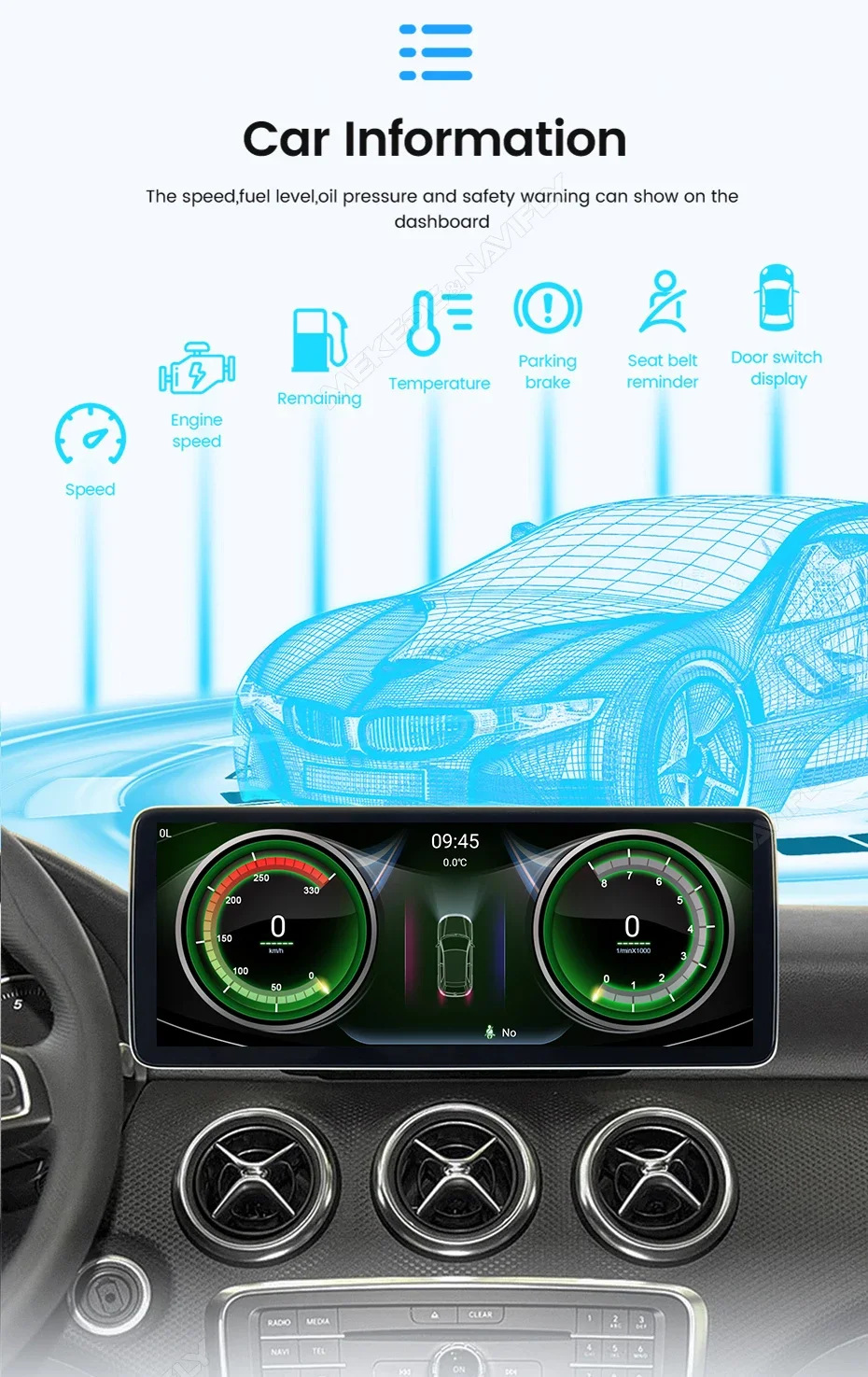
Car Information Service condition:
the speed,fuel level,oil pressure and safety warning can show on the dashboard
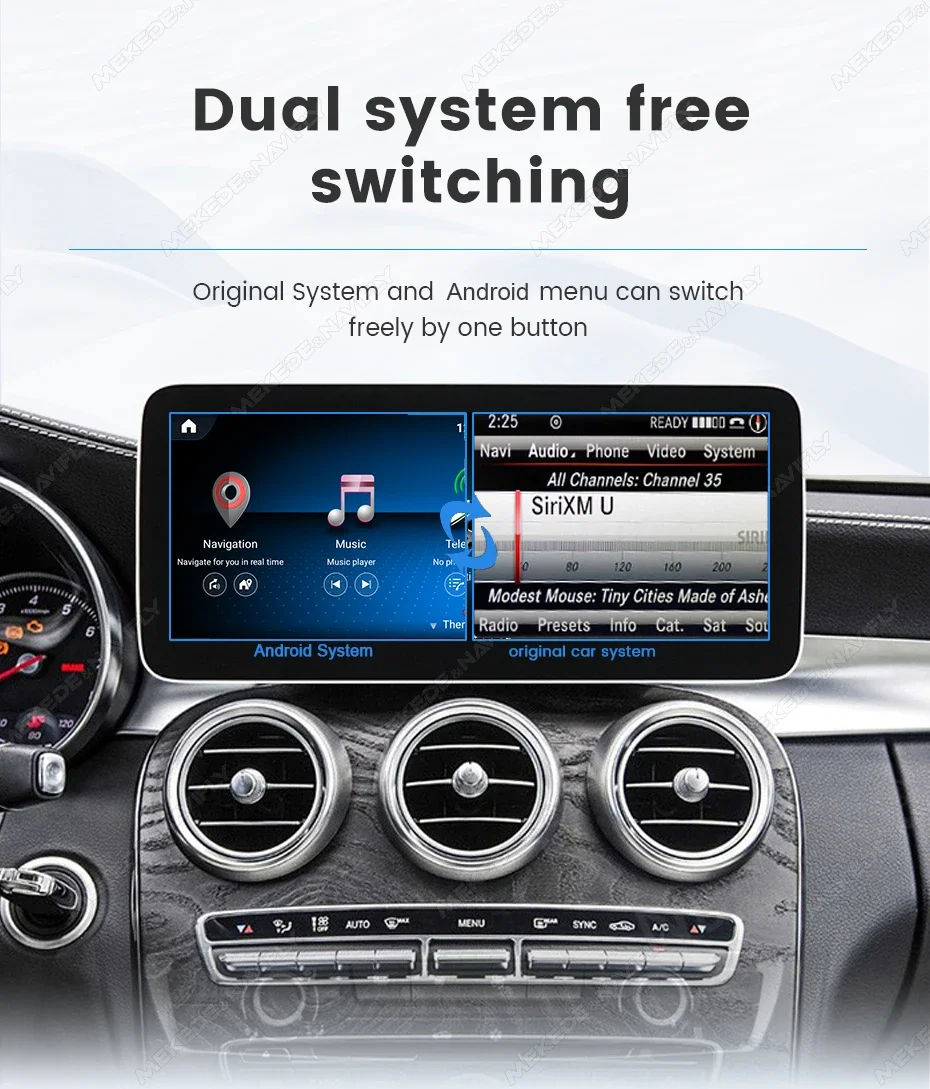
Support Dual system free switching:
compatible with the original car system,original car system+android system,dual system can be swtitched at will.
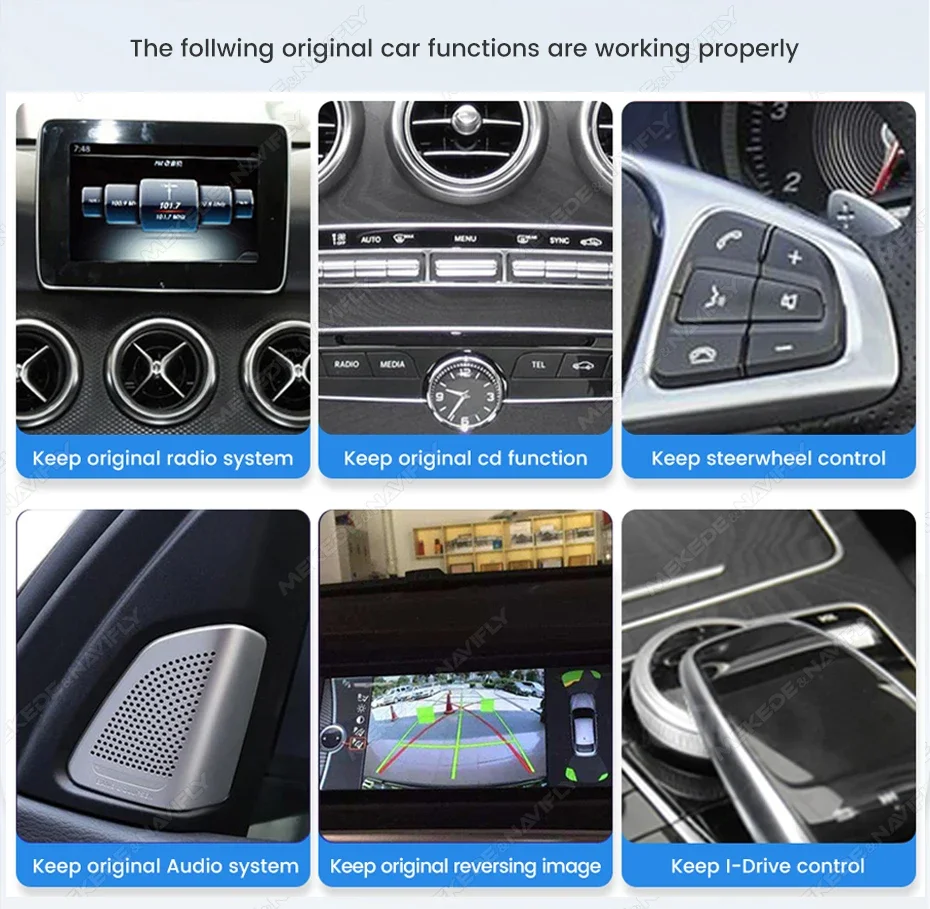
keep original functions for:
keep original radio system,keep original cd functions,keep sttering wheel control,original Audio system,original reversing image,I-drive control.
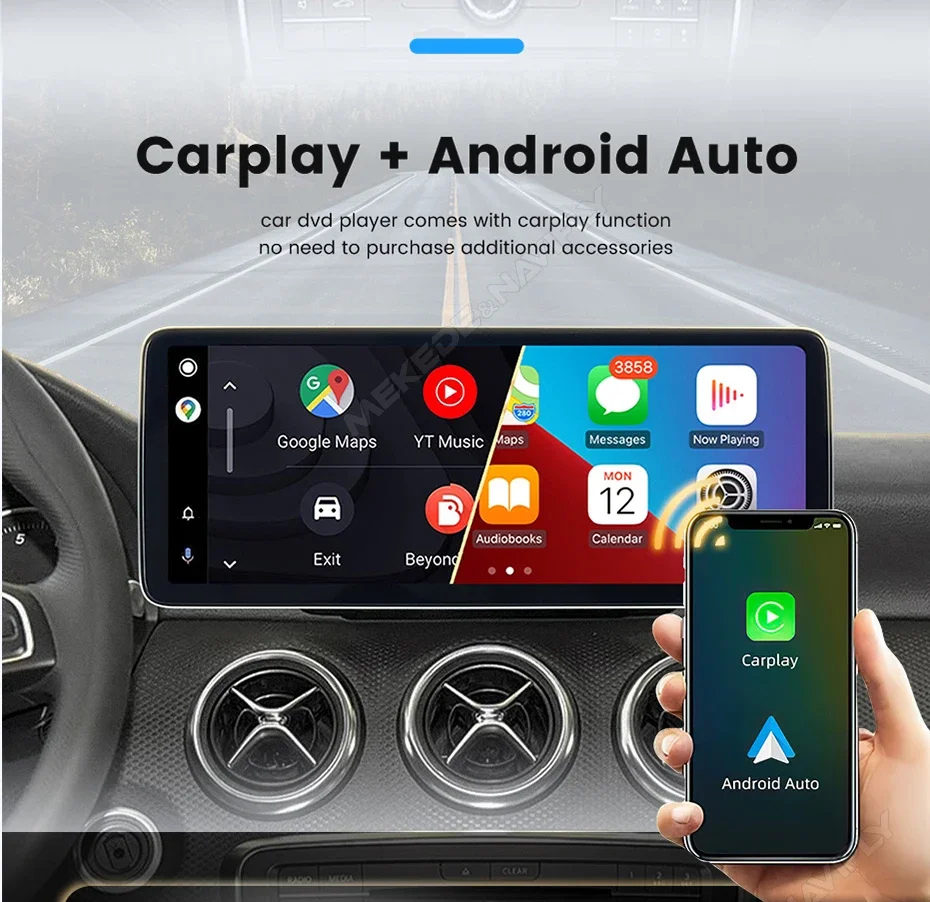
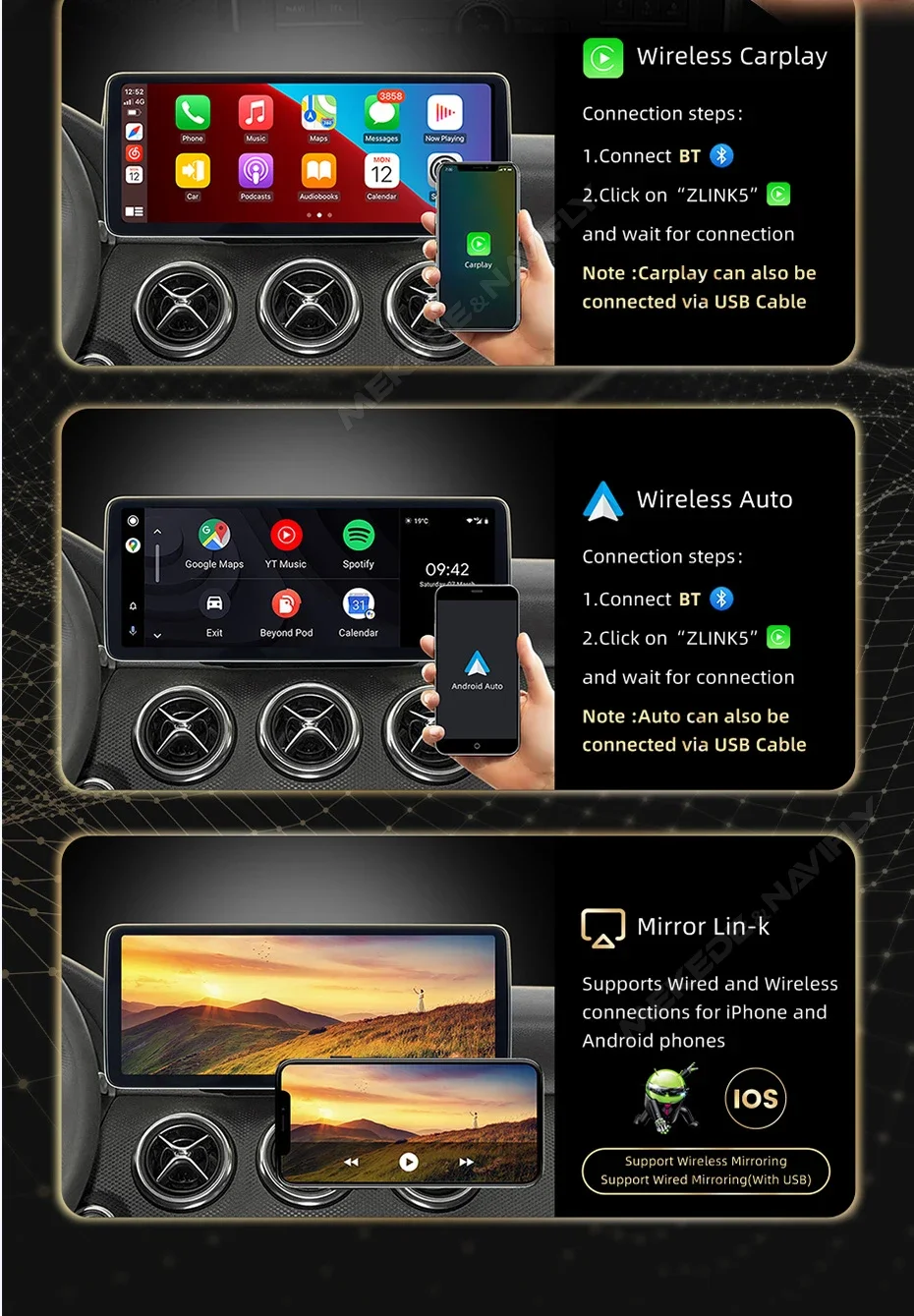
Support Wireless carplay+auto:
car player comes with carplay and android auto functions,support wireless connect it.
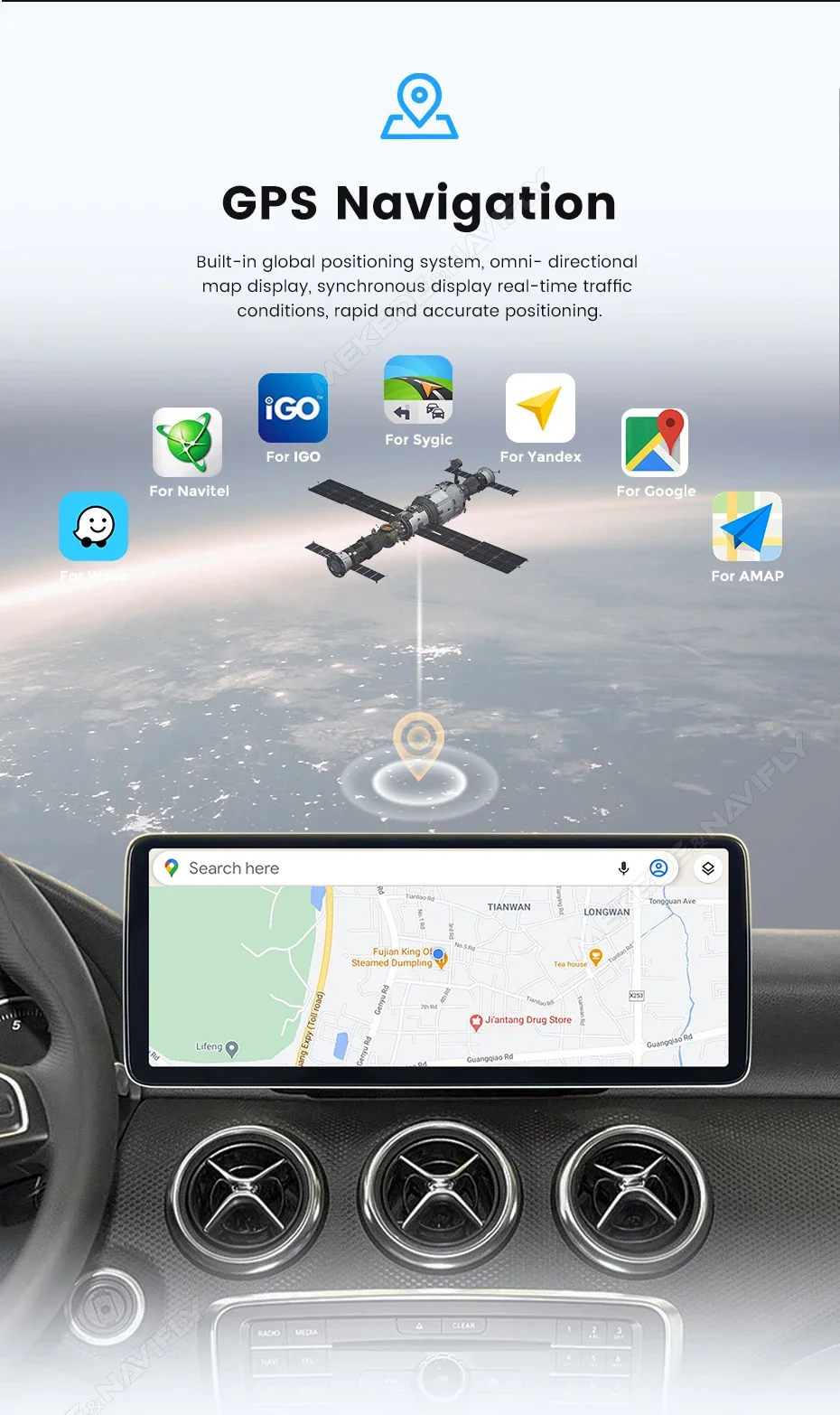
Support GPS Navigation: built-in golbal positioning system,omni-directional map display,synchronous display real-time traffic conditions,rapid and accurate positioning.
Support 4G Lte and wifi:
built in 4G modules lets you stay connected to fast cellular data networks practically anythere you go.do you don't need to turn on your phone's hotspot every time to connect.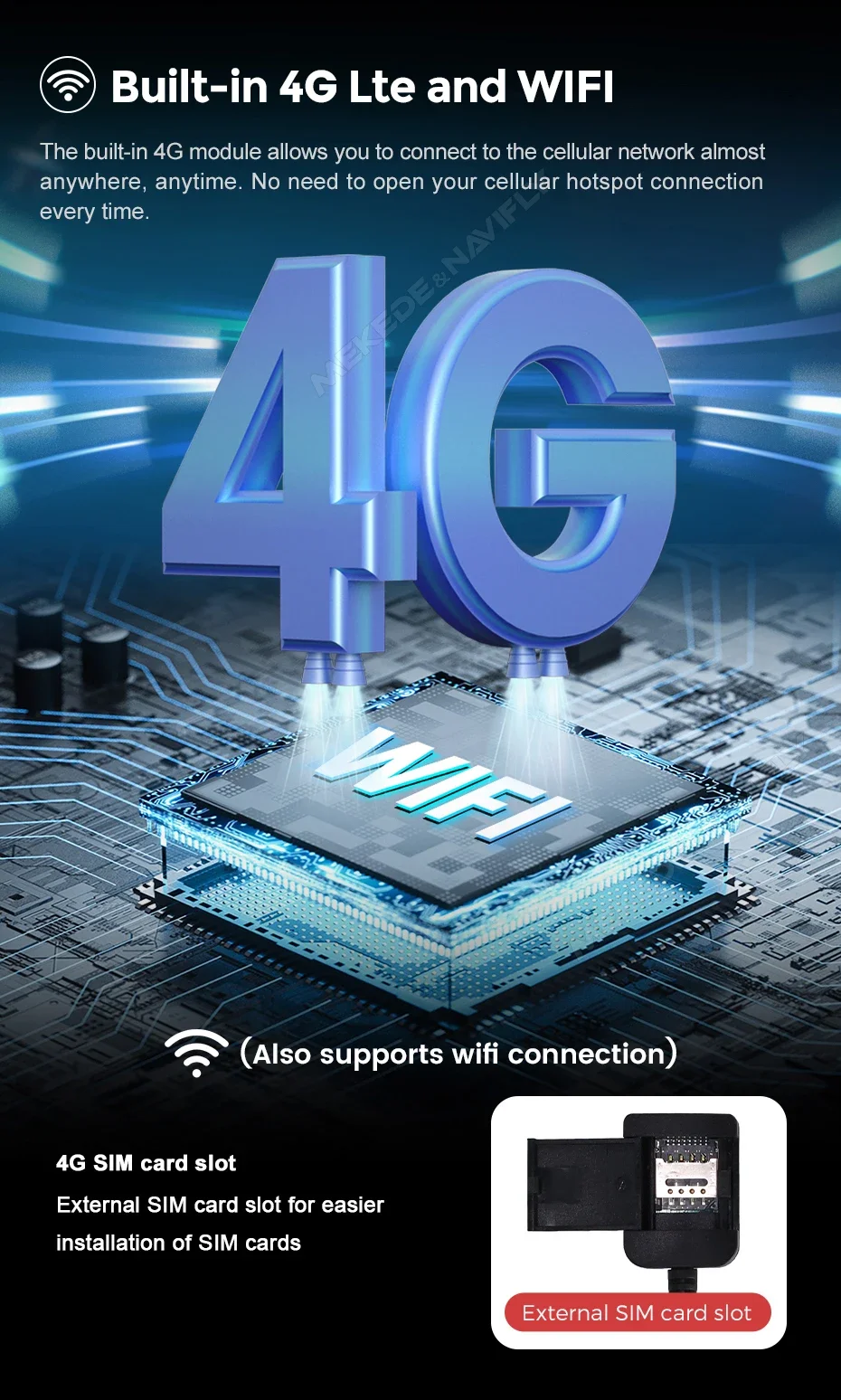
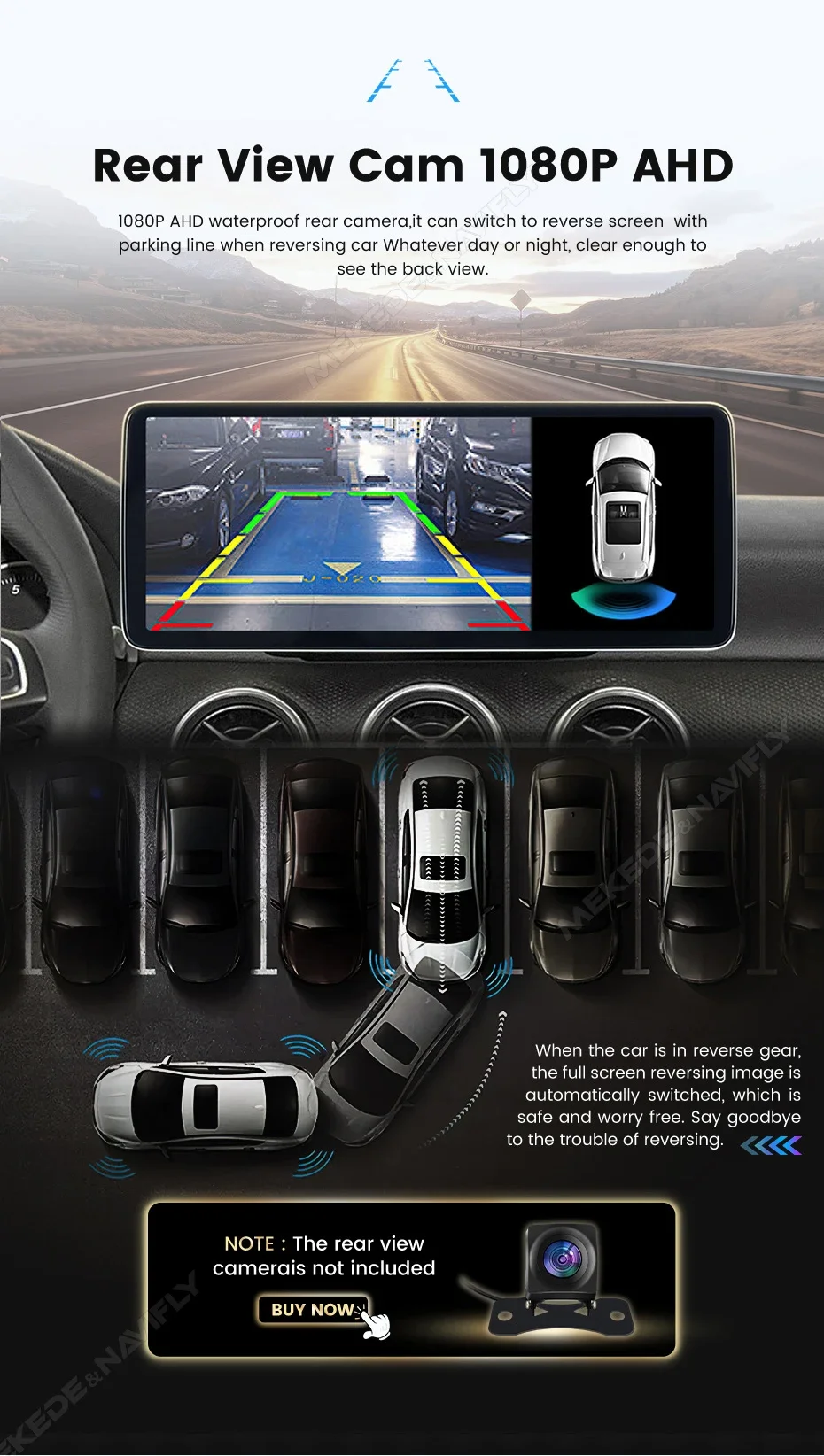
support AHD Reversging camera and OEM camera too. (AHD camra not including,need buy alone.)
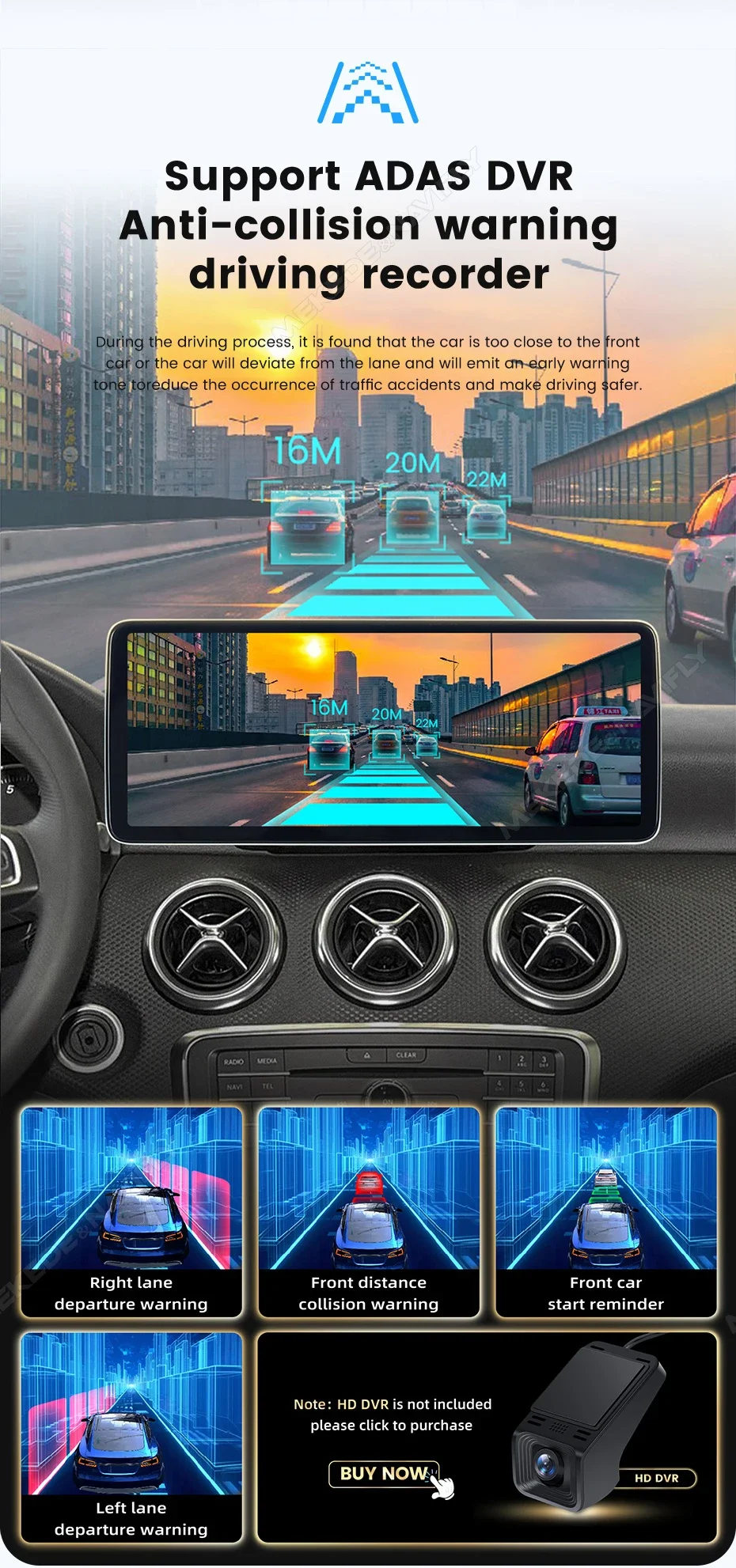
Support ADAS DVR: Anti-collision warning driving recorder. dvr not including,need buy alone.
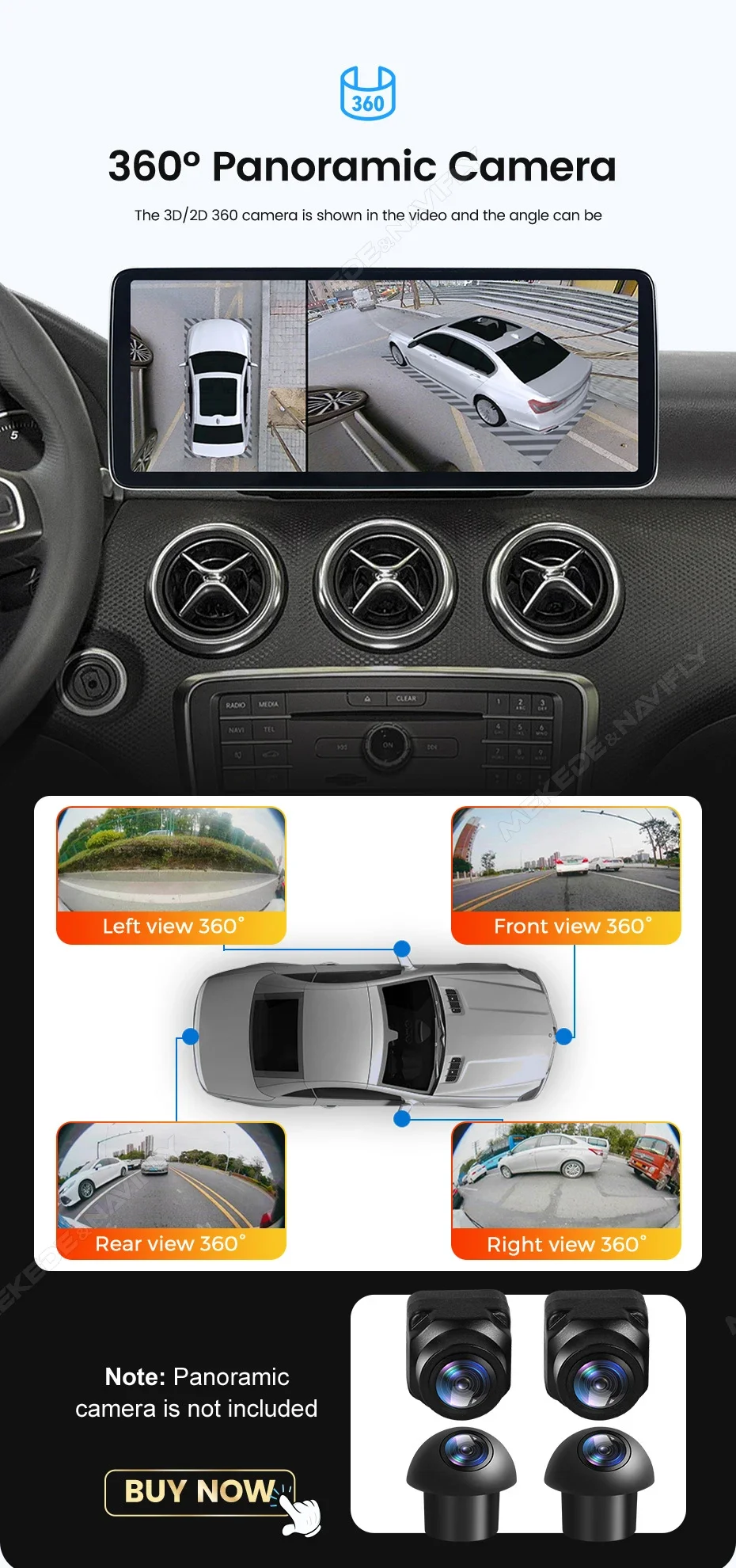
support 360 panoramic camera
this for 2D /3D 360 camera is show in the video and the angle can be.
this camera not including, you can click the photo go buy it together.
support the extensible optinal,you can click the photo go buy it.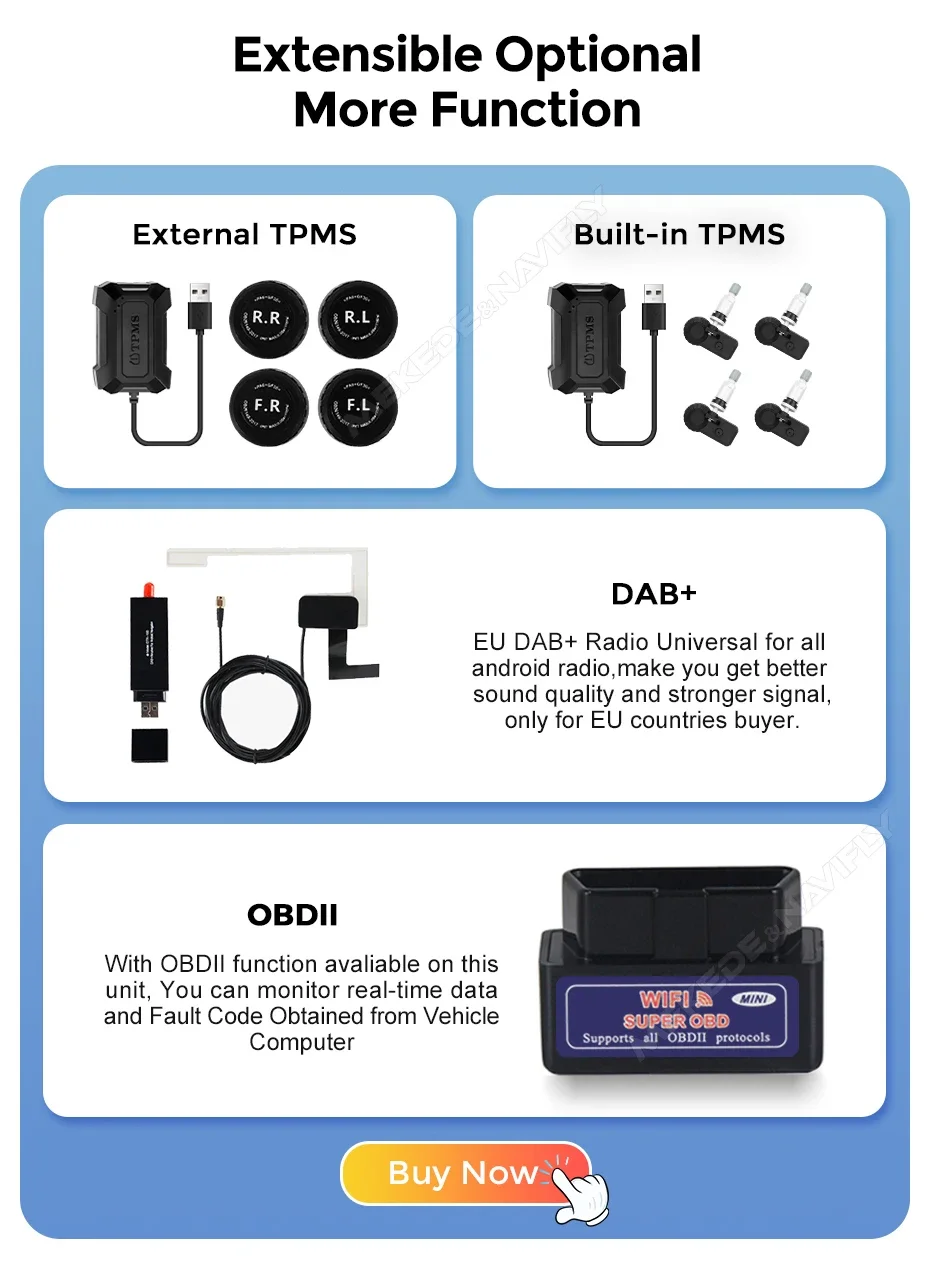
Multiple styles of UI themes you can choose it.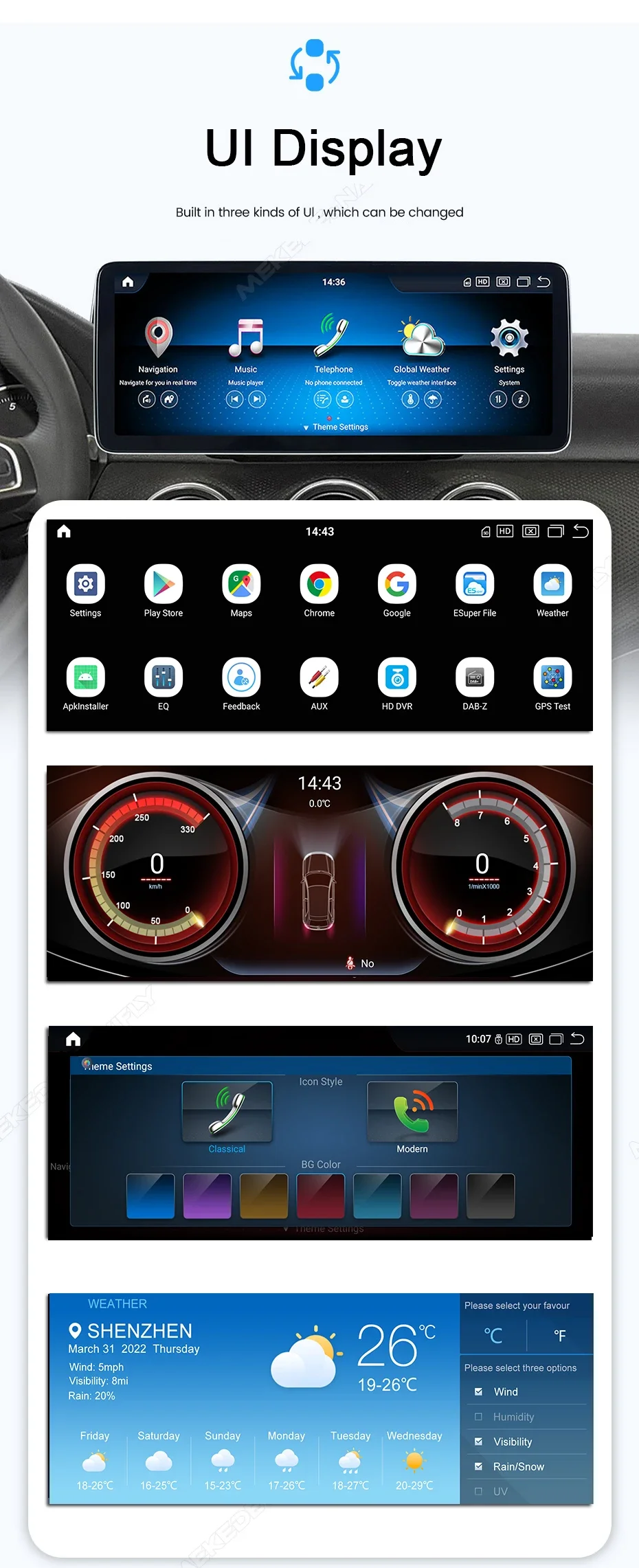
FAQ:
lf the OEM menu shows the following symptoms, check the LVDS connector and then set the original menu resolution
1.How To Set The Resolution?
what if my original system doesn't show up? What should l do if the original system is flashing?
Please input“Setting”“Personalized Setting” “Resolution ratio”
The display screen of the original car should correspond to the option, otherwise the display is poor
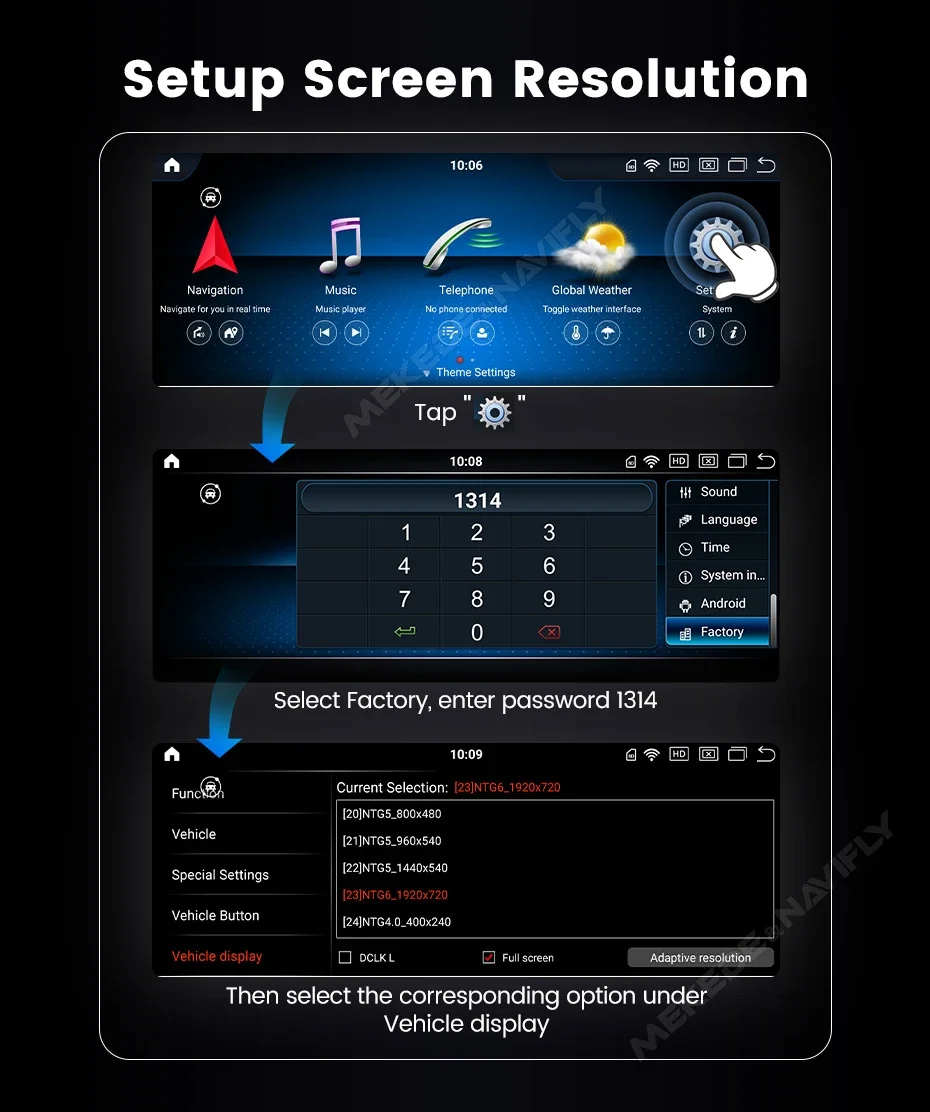
2. about the camera setting seen this photo
Find the "system" option and swicth rear camera type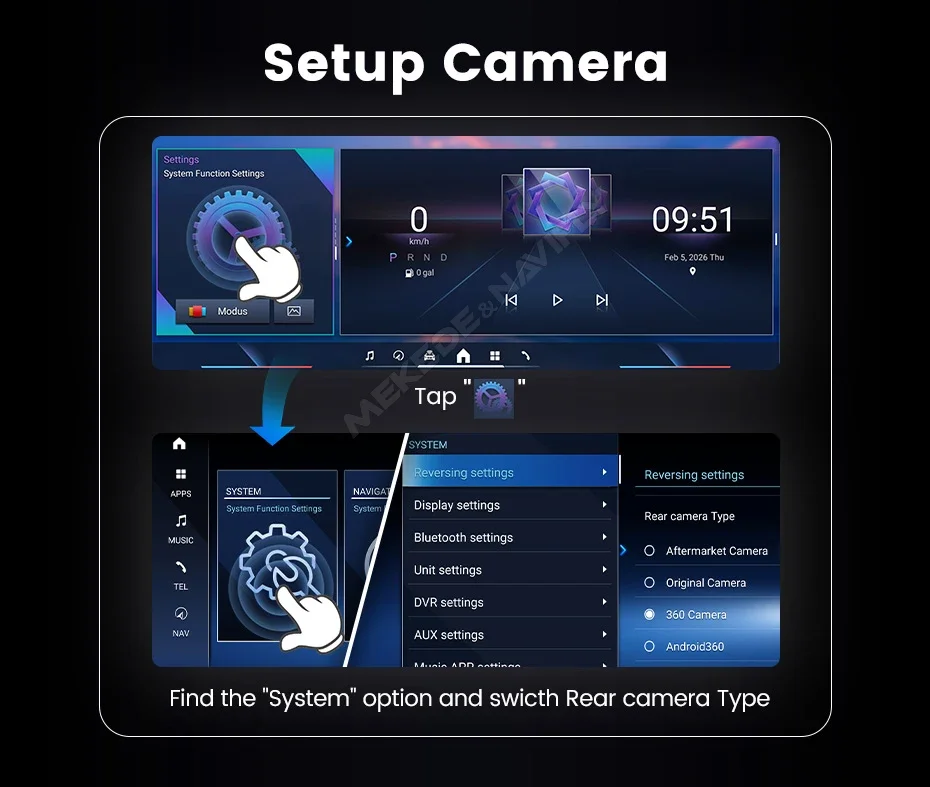
3. How To Solve No Sound Problem
A.Need to connect the original car Fiber optic cable to the interface of the conversion line,and then connect to the host!
B.Need to connect"AUX and switch the mode to "AUX".
When your car has AUX input, you need to use the AUX audio cable to connect.
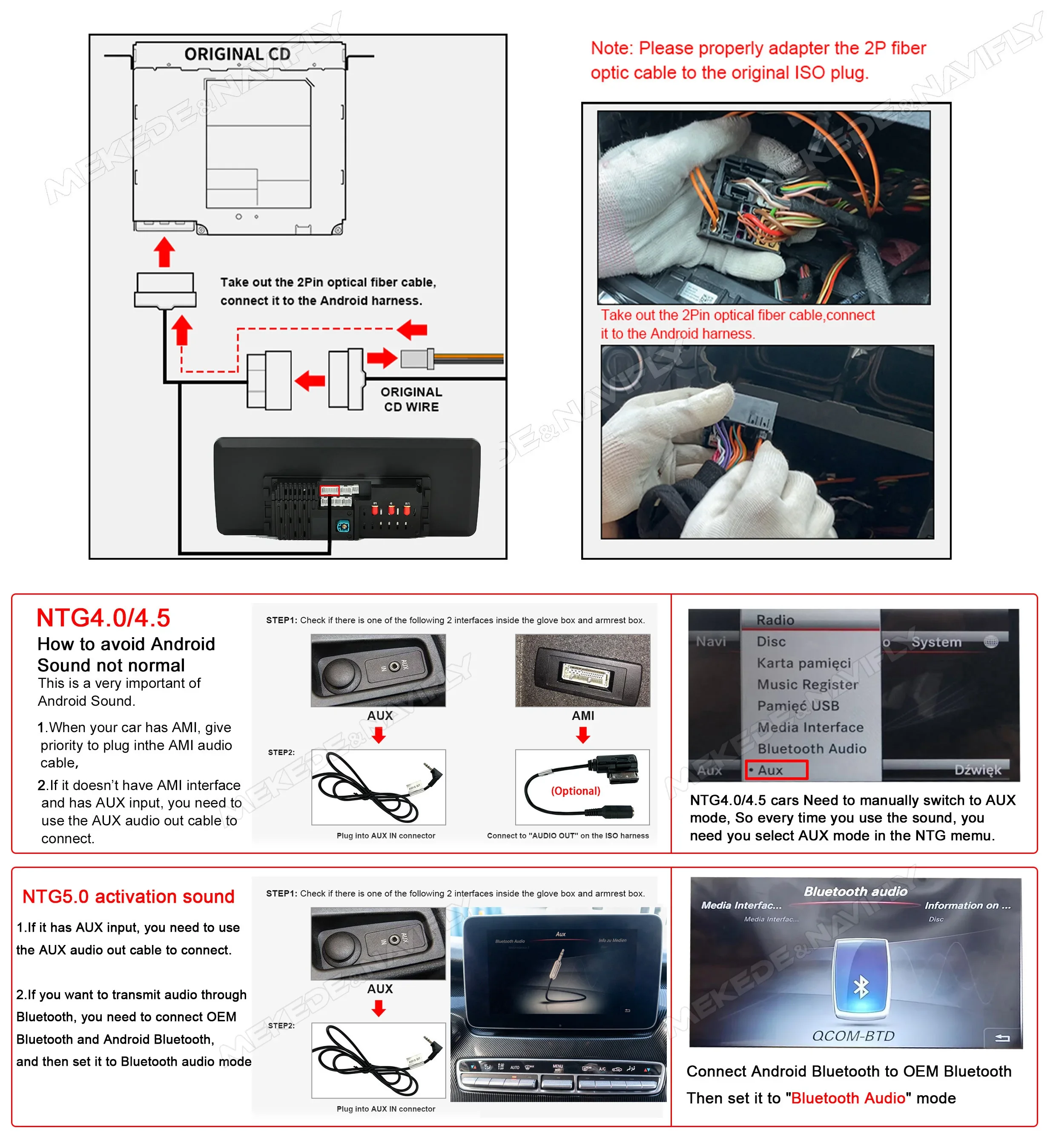
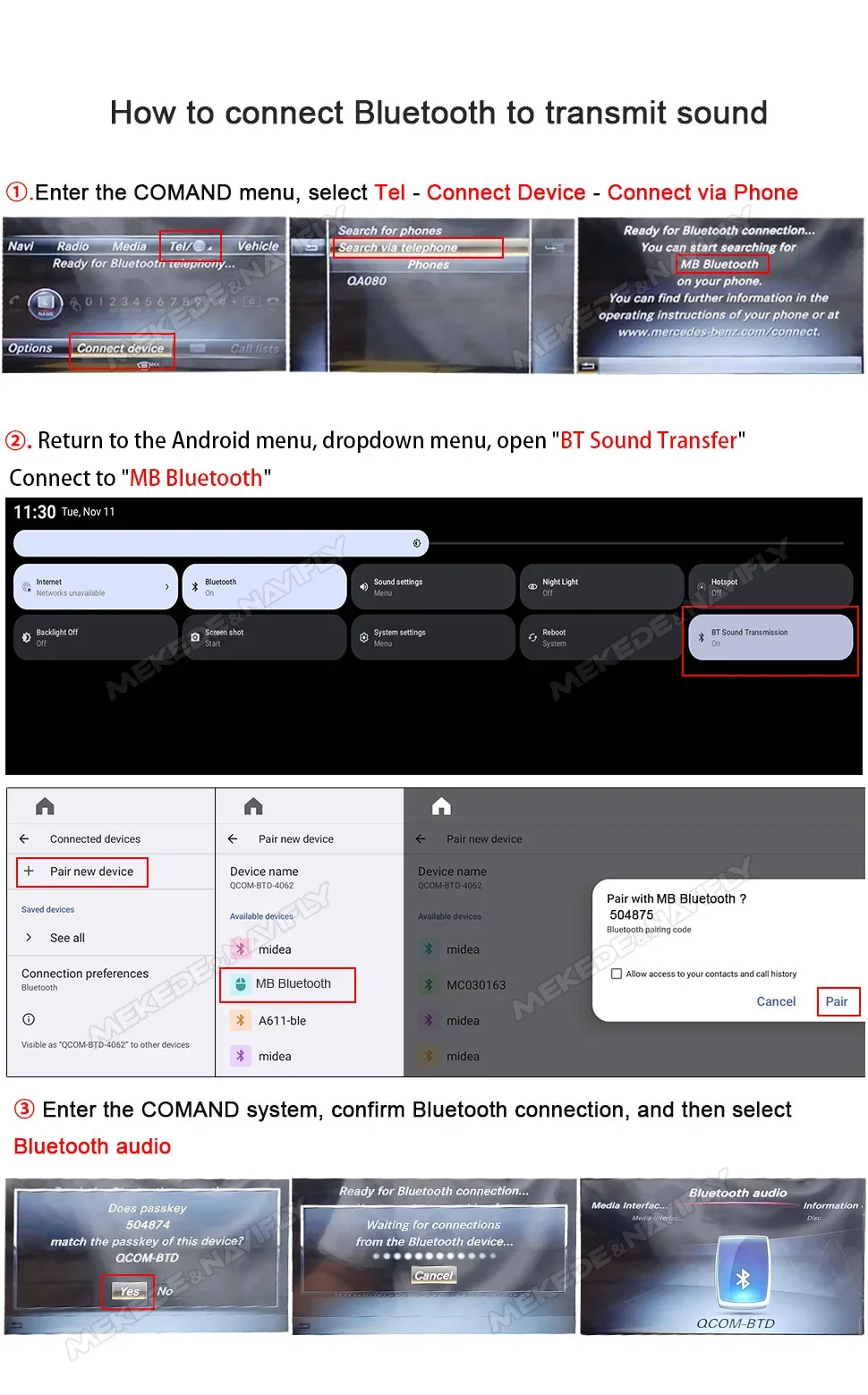
4.How to connect bluetooth to transmit sound
A: enter the COMAND menu,select Tel-connect device-connect via phone
B: return to the android menu,dropdown menu,open "BT sound transfer" connect to "MB bluetooth"
C: enter the COMAND system,confirm bluetooth connection,and then select "Bluetooth Audio"